

|
|
|
Once you have uninstalled CA Identity Manager, you can install the new version of CA Identity Manager server.
Note: If you see options to upgrade the workflow database and migrate task persistence data during the installation, enable those options. They appear in some scenarios when your previous installation was CA Identity Manager r12.
To reinstall the CA Identity Manager Server
Be sure to provide the existing CA Identity Manager database credentials during the install and that all values from the previous release of CA Identity Manager are replaced with r12.5 SP13 values.
ca-im-release-win32.exe
ca-im-release-sol.bin
release represents the current release of CA Identity Manager.
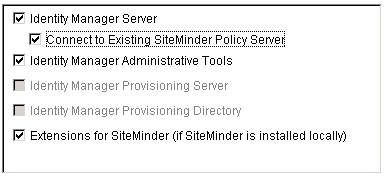
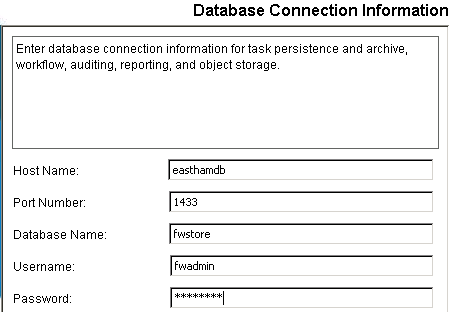
Important! If you are upgrading from CA Identity Manager r12 and you have different database stores for task persistence, workflow, audit, and reports, you will need to update the data sources manually after installation to point to the separate stores.
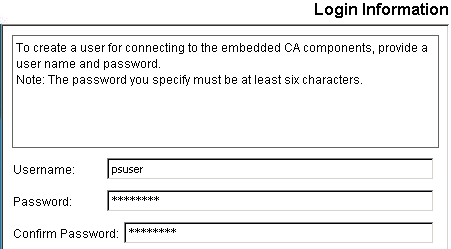
The installer will install the components you selected and gradually update the progress bar.

If you are upgrading from CA Identity Manager r12, continue by upgrading the workflow database.
| Copyright © 2012 CA. All rights reserved. | Tell Technical Publications how we can improve this information |