

|
|
|
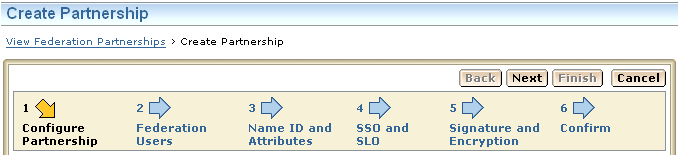
Federation Manager provides configuration wizards for many objects in the UI. Wizards are visible when you create or edit an entity or partnership, when you import a certificate, and when you import a metadata file.
The UI wizards help guide you through the steps for configuring a particular object. If you do not fill in the required settings for a given step, you receive a message toward the top of the dialog, which tells you to fill in the missing information. You cannot move to the next step until all required fields are complete.
The following figure shows a wizard for creating a partnership.
| Copyright © 2010 CA. All rights reserved. | Email CA about this topic |