

|
|
|
Before you begin, have at hand the following:
To install an agent for a Windows host

The installation wizard starts.
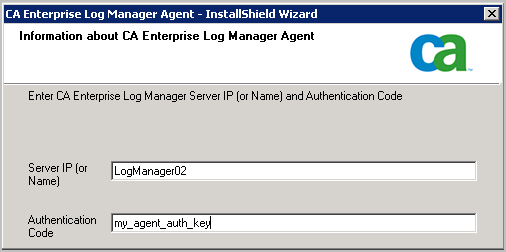
Note: Since the CA Enterprise Log Manager in this example scenario uses DHCP for IP address assignment, you should not enter the IP address here; doing so introduces the risk of having to reinstall the agent if the IP address of the server ever changes.
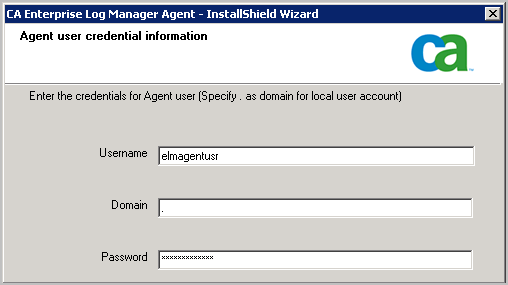
An example follows:
The Start Copying Files page appears.
The agent installation process completes.
After connectors are configured, the collected events are sent to the CA Enterprise Log Manager Event Log Store through port 17001.
Important! If you do not allow outgoing traffic from the host on which you installed the agent and you use the Windows Firewall, you need to open this port on your Windows Firewall.
| Copyright © 2010 CA. All rights reserved. | Email CA about this topic |