

|
|
|
You can supply values for keyed lists in the following three ways:
Use the following example as a guide to updating the values in any user-defined keyed list where the values are stored in an Excel spreadsheet saved as a comma-separated values list (*.csv).
To update a keyed list with a CSV file
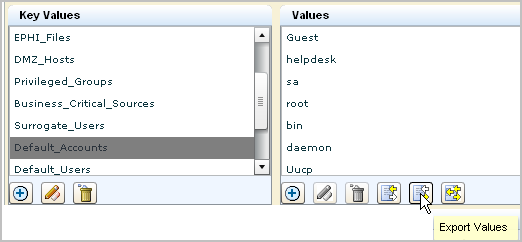
The Select location for download dialog appears with file.csv as the default filename.

A success confirmation appears for the successful export.
An icon with the exported spreadsheet appears on the desktop.

For example, enter admin, and then click Save. Optionally, delete the column for any default entry you want to exclude from the keyed list for Default_Accounts.

The Save As dialog appears with the filename, Default_Accounts.csv.
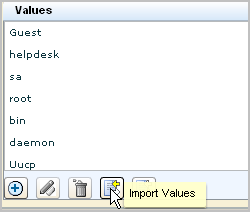
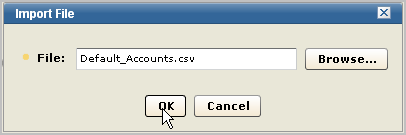
The file is uploaded. You can scroll to the bottom of the Values list to confirm your new entry is present.
| Copyright © 2010 CA. All rights reserved. | Email CA about this topic |