

|
|
|
You can add drawing objects to a data model to enhance it or to provide meaningful annotations.
To add drawing objects to a data model
The shape is drawn around the chosen objects.
 on the Formatting toolbar.
The drop-down color palette displays the Theme colors and Available colors.
The color is applied to the background of the selected objects.

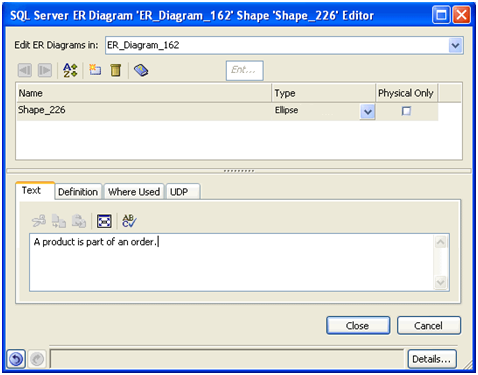
The Shape Editor opens.
 on the Formatting toolbar and select a color for the text.
You can see the annotation in the drawing object with the annotation text color applied.
The following is an example of how you can use drawing objects to enhance your data model:

Your work is saved.
| Copyright © 2011 CA. All rights reserved. | Tell Technical Publications how we can improve this information |