Basic Concepts and Features › Print a Data Model
Print a Data Model
You can print your model at any stage of development to use it as a visualization tool.
To print a data model
- Click Print on the File menu.
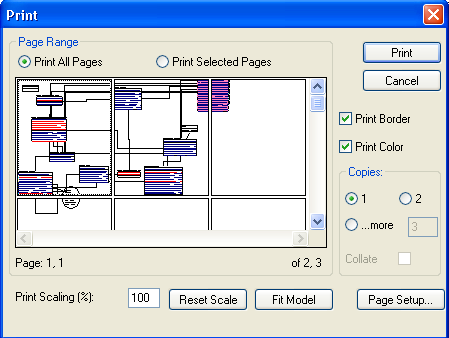
The Print dialog opens, and includes an embedded Diagram Window that lets you view the data model by page.
- Change any of the following options on this dialog:
- Print scaling
- Number of pages you want to print
- Format options, such as borders and color printing
- Page setup options such as margins, headers, and footers
- Click Print.