Event Management Configuration › Verify Your Installation › Verify the GUI Interface Servers are Active › Connect to the GUI
Connect to the GUI
To connect to the GUI
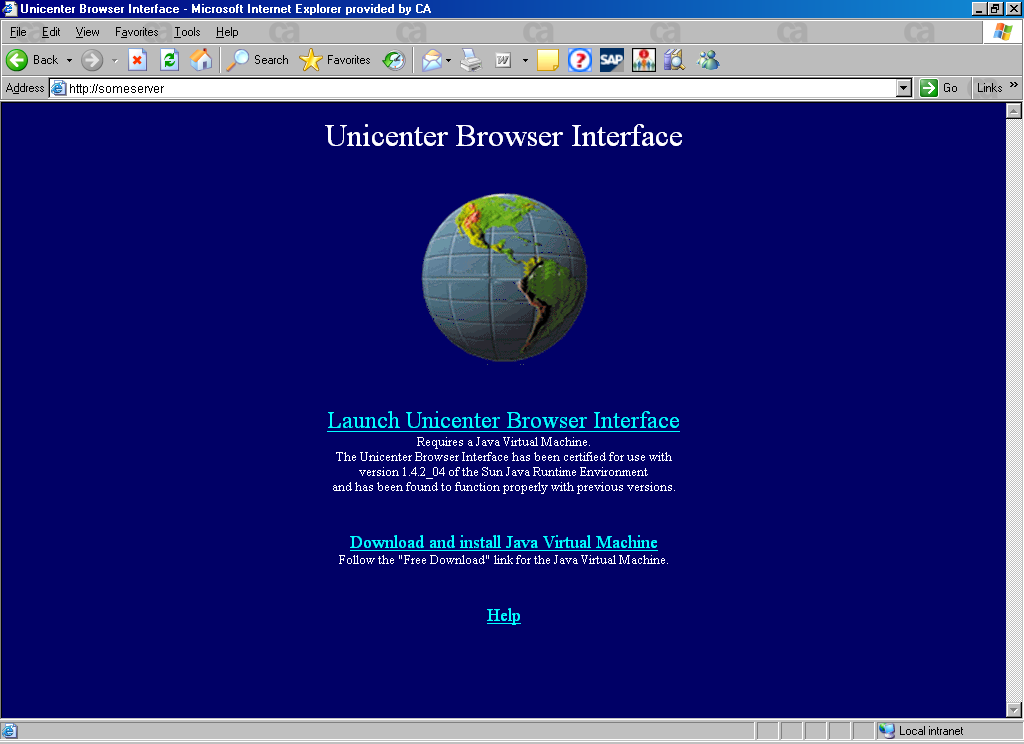
- Start your browser and use the following URL to display the welcome page:
http://hostname:port
The welcome page appears.
- Select Click Here to launch CA NSM Browser Interface.
- Enter a mainframe user ID and password.
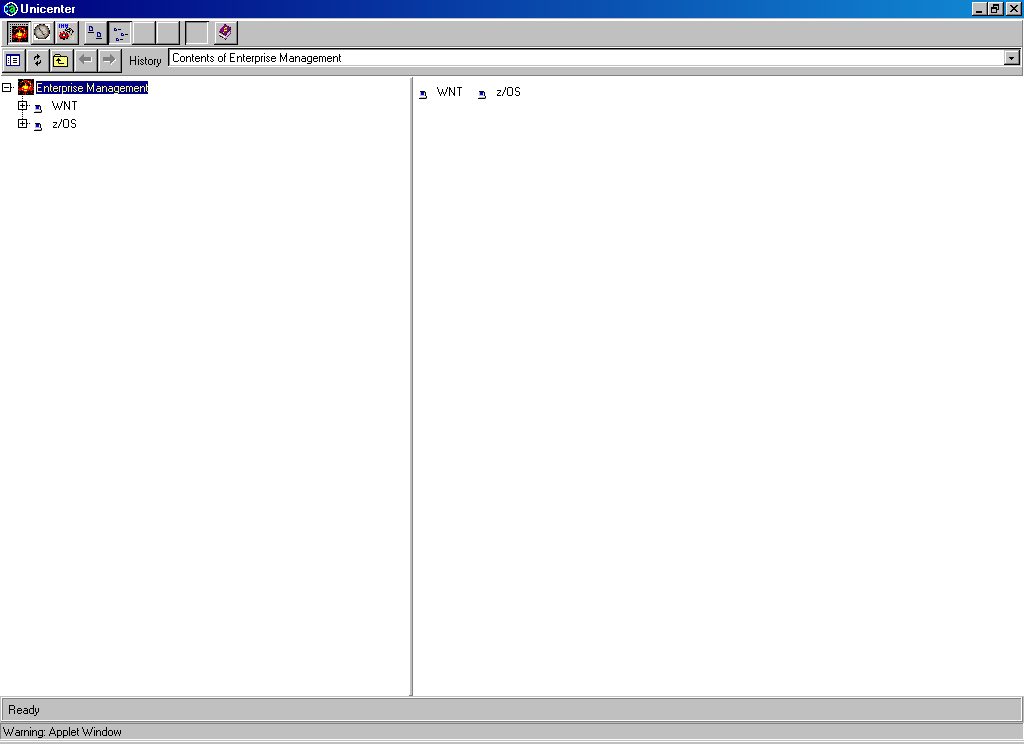
- Click OK to display the main CA NSM GUI.