

|
|
|
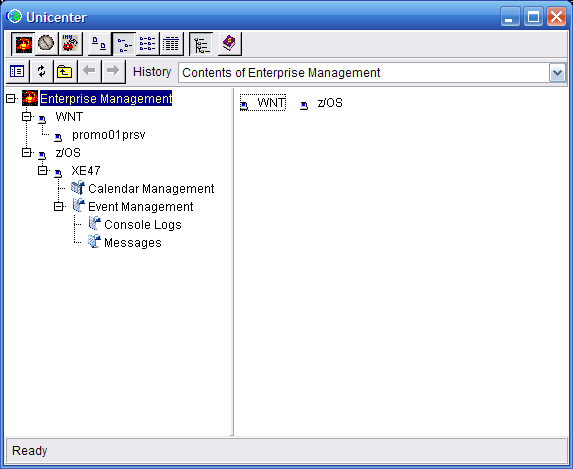
Event Management consists of the following:
Note: Not all sites will have both parts of this verification process.
To verify your Event Management installation
D OMVS,A=ALL
There should be at least one caiopr processes running, ca_calendar, stardaemon, newdaylog, caidoc, and optionally, oprsafd and catrapd.
The GUI interface requires that the httpd server is active and the Java backend server be up and running. Use CAIPROC member NSMWEBSV to start the httpd server if you do not already have one started. See the Java GUI section later in this chapter for more information about setting up a new server or merging into an existing one.
Use the CAIPROC member NSMJSERV to start the Java server. The following message appears on the system console to signify the startup is complete:
CAxx506I - TNG Root Processes Initialized
OMVS processes CaemRtS, logonserver.exe, EMServer.exe, and w2Tree.exe should be running at this point.
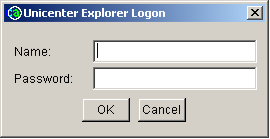
http://hostname:port/tngfw

| Copyright © 2012 CA. All rights reserved. | Tell Technical Publications how we can improve this information |