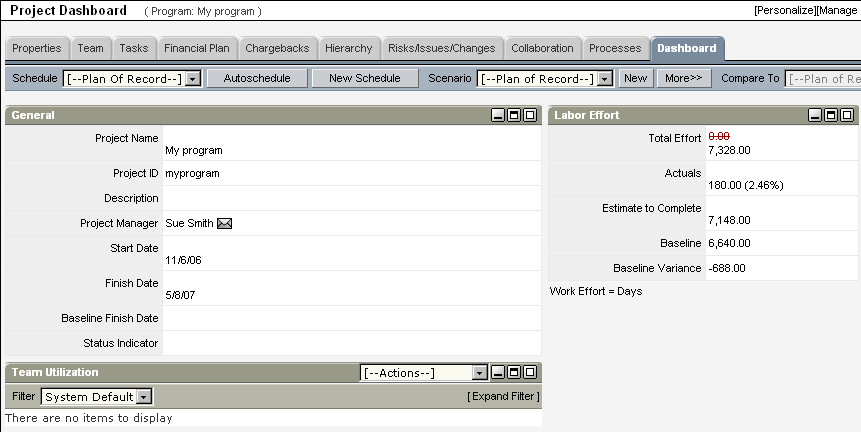
If you selected Program Layout as the layout option on the Program: Properties: Main - General page, you can view program Return on Investment (ROI) data on the program's Program Dashboard page (if you created a program-level budget). In addition, you can view summaries of the total effort and actuals accumulated for all of the program's projects, and can compare overall benefit information at the program level with combined benefit information for all of the program's projects.
Though it is called a program dashboard, you can also view projects on this page.
The following image displays a complete ROI graph:
By default, this page displays the following portlets:
You can customize this page by adding or removing portlets. Your CA Clarity PPM administrator can do this from the Program Layout portlet page's Dashboard tab’s content using Studio.
| Copyright © 2010 CA. All rights reserved. | Email CA Technologies about this topic |