

|
|
|
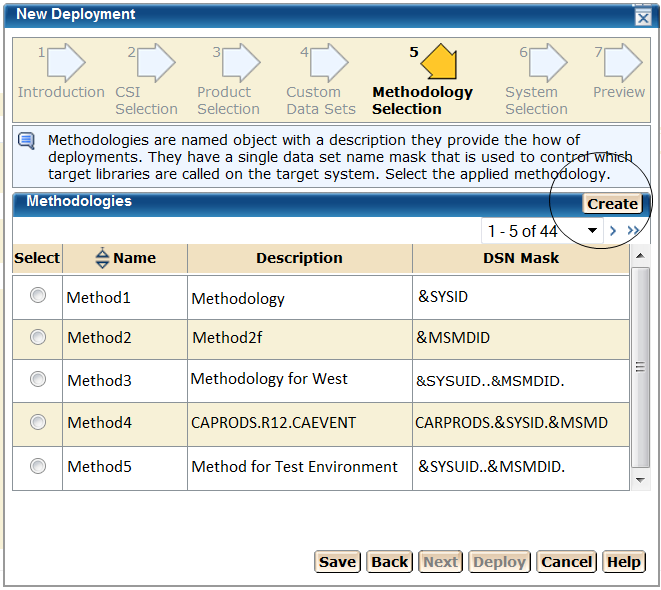
After you select a custom data set, you select a methodology, which lets you provide a single data set name mask that is used to control the target library names on the target system.
Follow these steps:
The System Selection step appears.
Note: When creating a deployment, you can save this deployment at any step in this wizard. This "under construction" deployment is added to the current deployments list. You can maintain this deployment until a successful snapshot has been created.
| Copyright © 2011 CA. All rights reserved. | Tell Technical Publications how we can improve this information |