Installing Your Product Using CA MSM › Deploying Products › Methodologies › Maintain Methodologies
Maintain Methodologies
You can edit, replace, or remove methodologies.
Follow these steps:
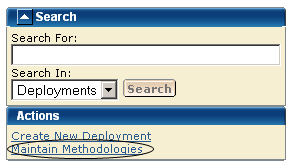
- Click the Deployments tab, and in the Actions section click the Maintain Methodologies link. The Maintain Methodologies select window appears.
Note: A grayed select box indicates that the methodology is assigned and cannot be removed. It can be edited.
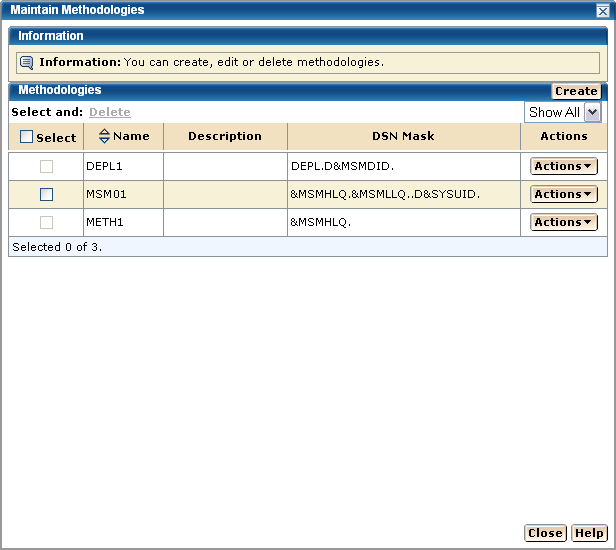
- Select a methodology. Select Edit from Actions list.
The Methodology window appears for editing.
More information:
Delete Methodologies
Edit a Methodology

