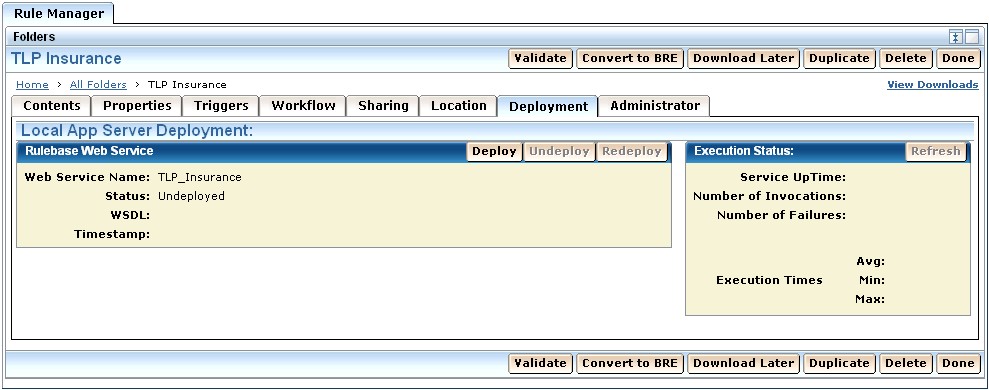
The Deployment tab displayed within Rule Manager Projects allows rules to be deployed as Web services.
When you deploy a project, the Rule Application Server (RAS) takes the rules and business terms and creates a callable web service from them. Rule services are deployed on the local application server for deployment testing. RAS also generates Web Application Archives (WAR) that can be deployed on remote application servers when moving rule services into production.
To deploy a project, open the Deployment tab and click the Deploy button, as shown in the following illustration:
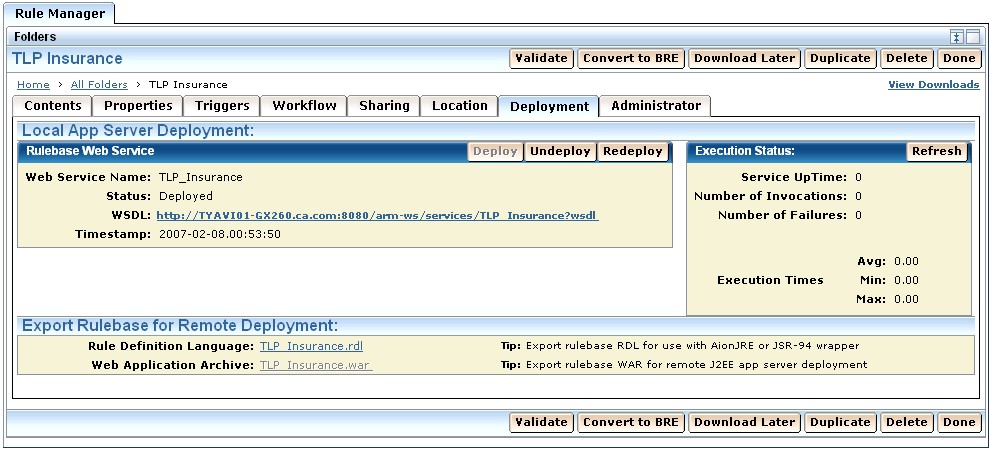
To undeploy a project, select the click Undeploy as shown in the following illustration.
| Copyright © 2009 CA. All rights reserved. | Email CA Technologies about this topic |