

|
|
|
To display a list page, go to the Product Vision menu and select the appropriate menu item.
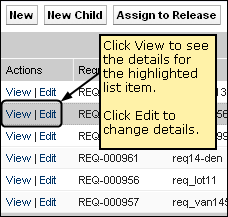
If the Actions column on the list page contains links for View and Edit for a list item, you can change the list item. You can use the links to do the following actions:
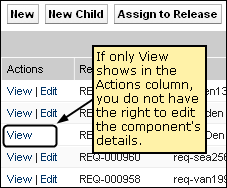
If the Actions column contains only a View link, you do not have the appropriate rights to change the details.
If you have appropriate rights, some actions can be completed in View mode though you are not the owner of the list item.
| Copyright © 2012 CA. All rights reserved. | Tell Technical Publications how we can improve this information |