

|
|
|
With Version Control, requirements are in either a draft or approved state and the requirement owner can create an approved version. However, when Requirements Change Management (RCM) is enabled, the requirement owner must go through an approval process to create an approved version.
To change a requirement to approved, submit the draft for approval. The requirement status changes from draft to submitted.
If the requirement is approved, the status of the requirement changes from submitted to approved.
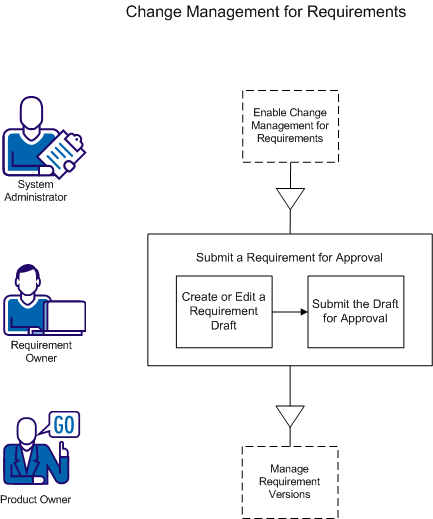
You must be a valid CA Product Vision user to create a requirement and submit it for approval.
| Copyright © 2012 CA. All rights reserved. | Tell Technical Publications how we can improve this information |