

|
|
|
On some pages where data is displayed in list table format, you can sort the list on any of the columns.
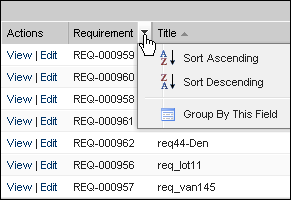
Follow these steps:
Note: If you sort or group by a column field with multiple values, the sort function sorts for each of the values in the column field. For example, when sorting a product column field that contains multiple products for a requirement, the sort function groups by each product.
To remove a list page sort and return to the original listing, click Clear Grouping.
| Copyright © 2012 CA. All rights reserved. | Tell Technical Publications how we can improve this information |