

|
|
|
If you want to view or modify the properties of a particular accessor, or if you want to delete an accessor, you must first find that accessor.
To manage users or groups
Depending on your selection, the Users or the Groups page appears.
Defines a mask for the accessors you want to find. You can enter the full name of the accessor you are after or you can use a mask. For example, use *admin* to list accessors whose name contains "admin".
Use an * (asterisk) to list all accessors and a ? (question mark) to replace a single character.
Specifies the source from which you want to fetch a list of accessors. The source can be either:
Specifies whether to list only those accounts that have records in the CA Access Control database as follows:
Click Go.
A list of accessors that exist in the repository you chose appears.
 in the View column to view the properties of the accessor.
 in the Delete column to delete the accessor.
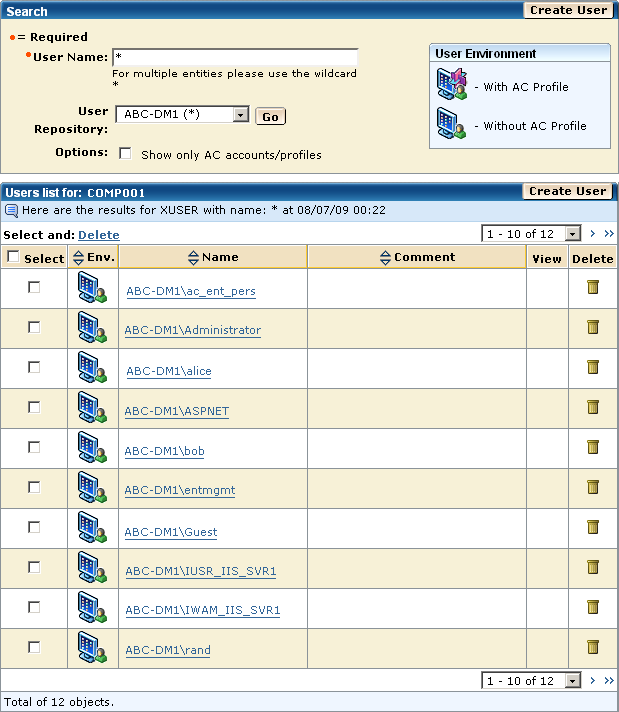
Example: Search for Enterprise Users in a Repository
The following graphic shows you the result of looking for all users in the ABC-DM1 enterprise user store.
| Copyright © 2012 CA. All rights reserved. | Tell Technical Publications how we can improve this information |