

|
|
|
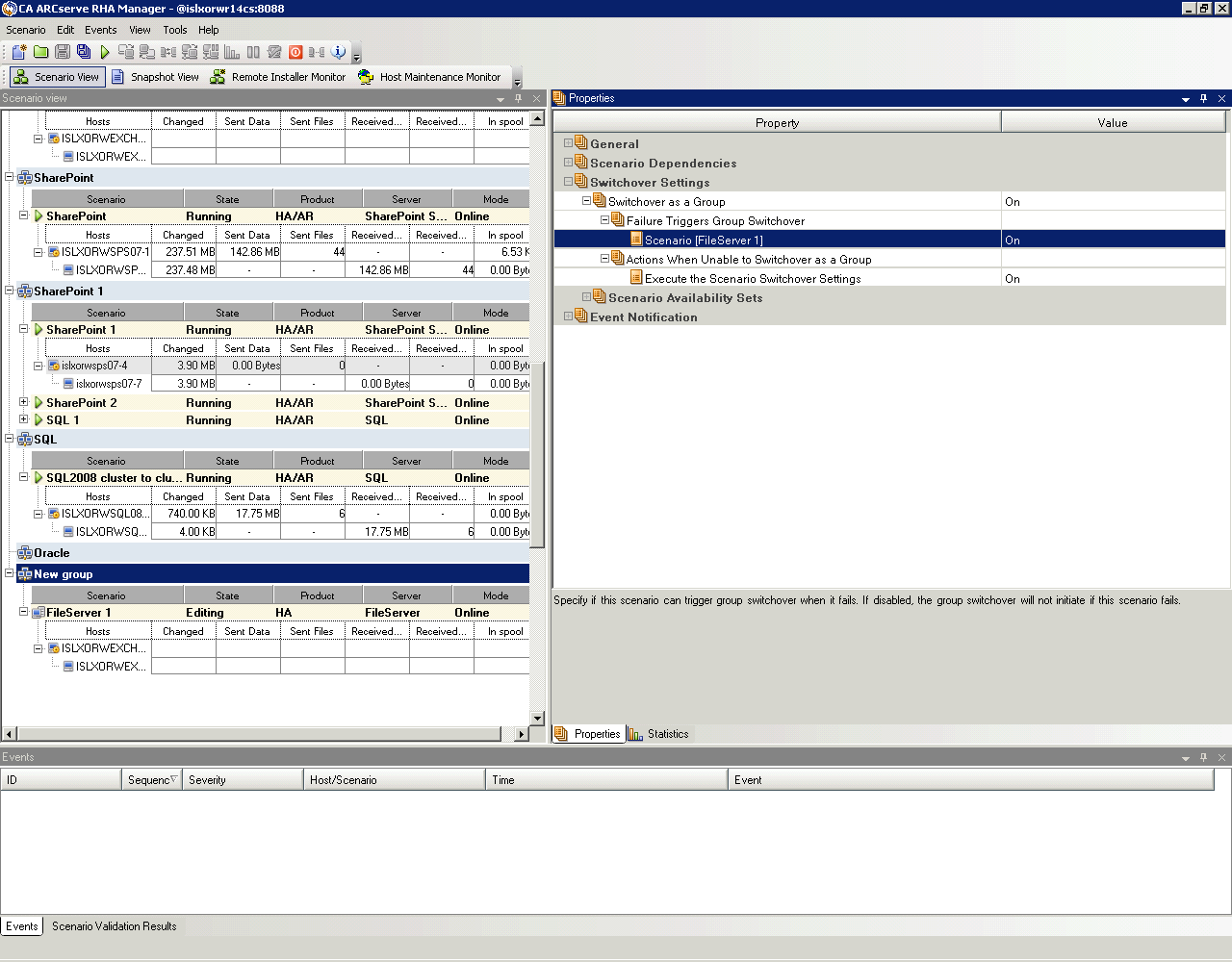
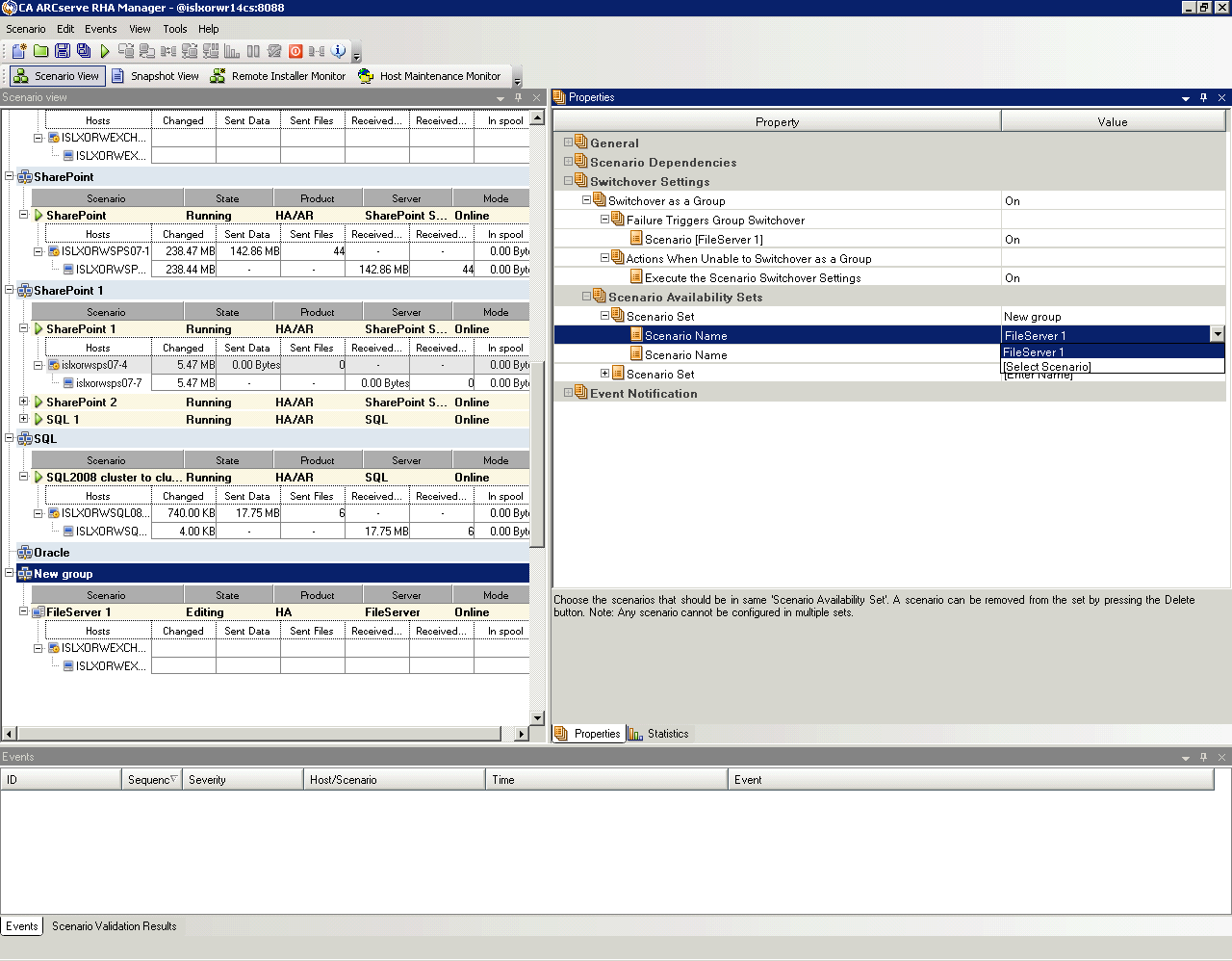
Scenario Group Management lets you manage related HA scenarios as a single entity. Switchover can be configured so that when one server fails, all servers in the scenario group switch over at once, alleviating the data split issue. Scenario Group Management applies only to high availability scenarios.
Note: For SharePoint Server Farm scenarios, group creation and central scenario management are automatically enabled during scenario creation. For more information, see the SharePoint Server Operation Guide. For all other distributed environments, you must manually create the required scenarios, assign each to the same group, and enable group management.
To enable Scenario Group Management
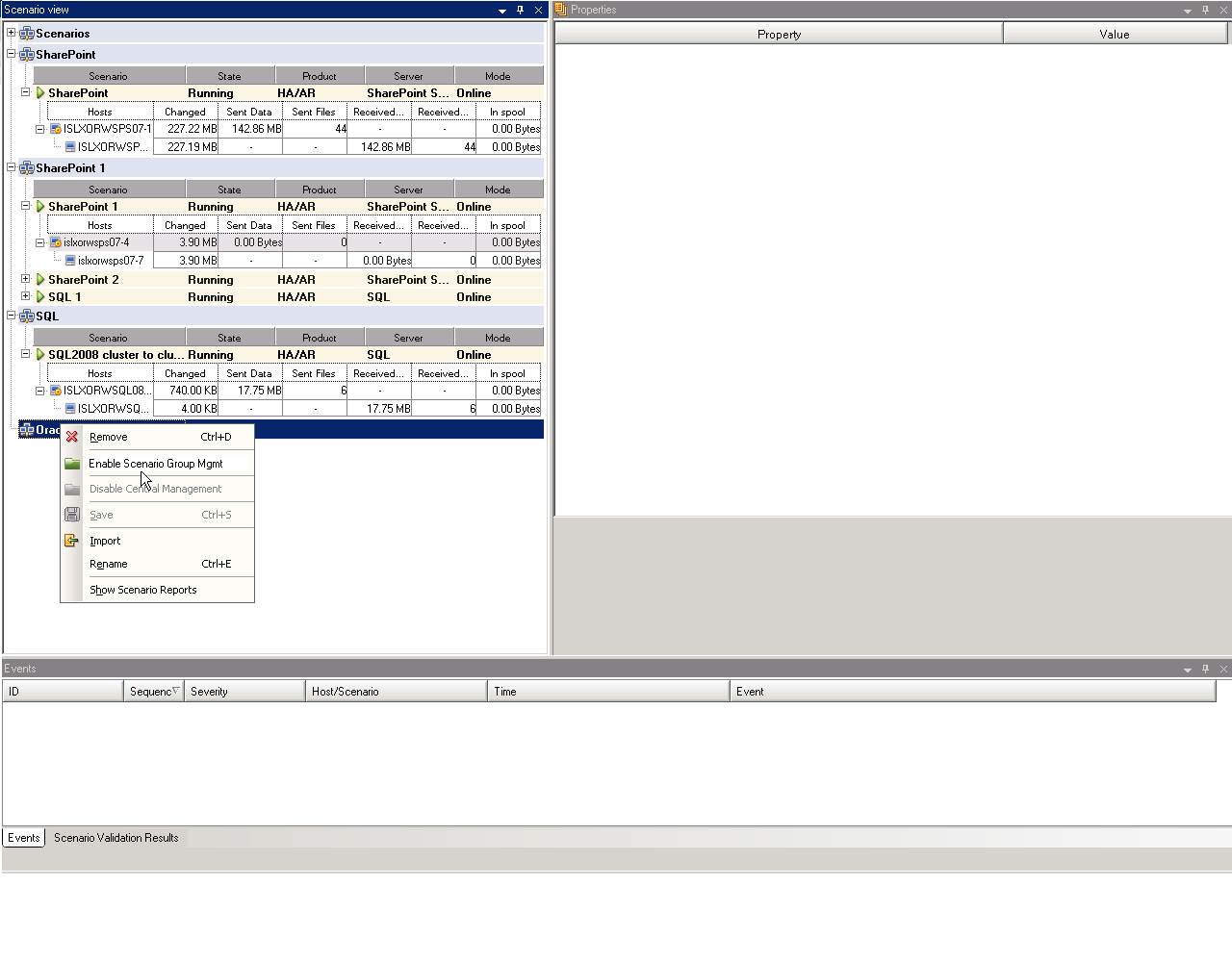
A confirmation message appears. Click OK to continue.
| Copyright © 2012 CA. All rights reserved. | Tell Technical Publications how we can improve this information |