

|
|
|
This section describes the necessary steps for installing SSL self-signed certificate. This procedure is required when you are using Self-signed Certificate to secure your communication, and you try to connect to the Control Service from a remote machine in order to open the Overview page.
Installing self-signed certificate
Note: You can not use here the IP address of the Control Service.
A Security Alert appears, asking you whether you want to view the certificate.
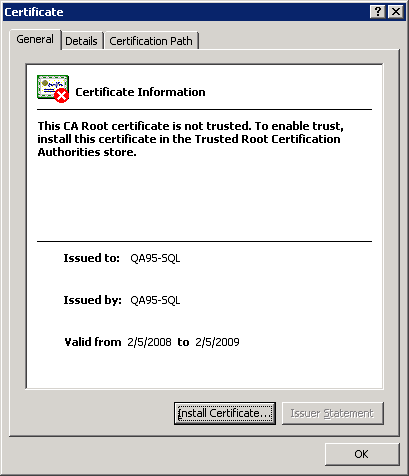
The Certificate dialog appears:
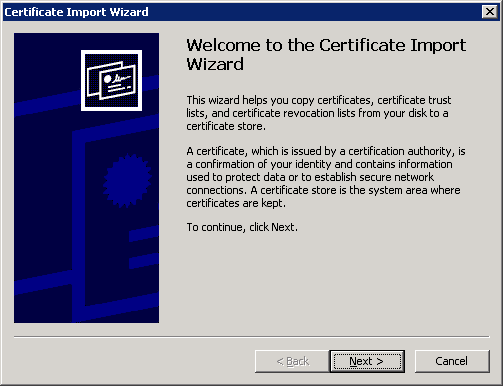
The Certificate Import Wizard appears:
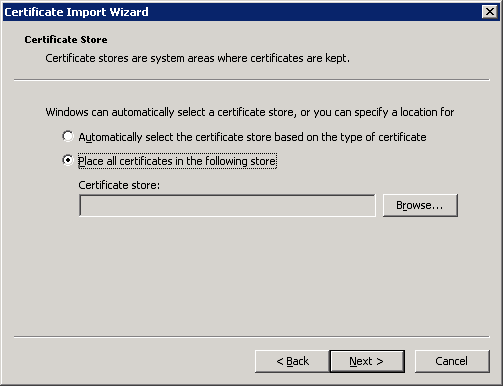
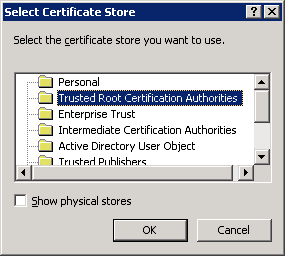
The Select Certificate Store dialog appears:
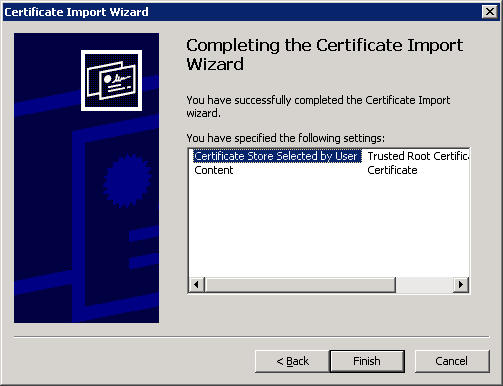
The Completing the Certificate Import Wizard page appears:
A confirmation message appears asking you to confirm the certificate installation.
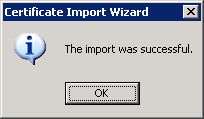
You can now connect to the Control Service machine and open the Overview page.
| Copyright © 2012 CA. All rights reserved. | Tell Technical Publications how we can improve this information |