

|
|
|
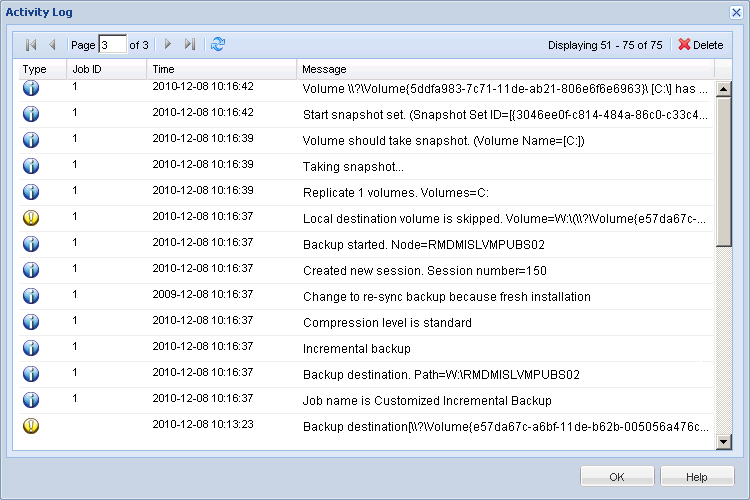
The Activity Log contains comprehensive information about all the operations performed by CA ARCserve D2D On Demand. The log provides an audit trail of every job that is run (with the most recent activities listed first) and can be helpful in troubleshooting any problems that occur.
Note: This task is only available from the CA ARCserve D2D On Demand UI and not from the CA ARCserve D2D On Demand Monitor.
View Logs
The CA ARCserve D2D On Demand Activity Log opens, displaying the following information:
Note: The Job ID can be used to easily locate log entries that are related to a specific job and can be helpful when troubleshooting job-related problems.
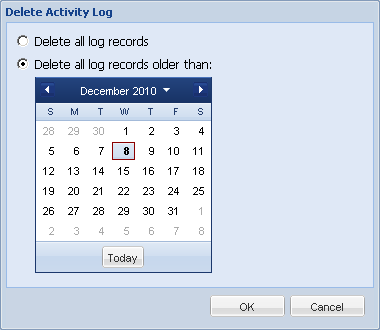
The Delete Activity Log dialog opens.
You can then specify to Delete all log records or Delete log records older than a specific date. If you select the "Delete log records older than" option, you can then specify from the calendar which date will be used as the older than date.
| Copyright © 2012 CA. All rights reserved. | Tell Technical Publications how we can improve this information |