

|
|
|
CA ARCserve Backup lets Backup Administrators and Backup Managers install and upgrade a collection of CA ARCserve Backup agents on remote computers simultaneously using the Agent Deployment wizard application. Agent Deployment verifies that you are running the most current version of a selected group of CA ARCserve Backup agents in your backup environment.
You can deploy agents to remote computers from primary servers and stand-alone servers.
Agent Deployment lets you deploy the following CA ARCserve Backup products:
Note: If Agent Deployment detects agents installed on remote computers other than the products listed above, the deployment process terminates.
The following diagram illustrates how to install and upgrade agents on remote computers:
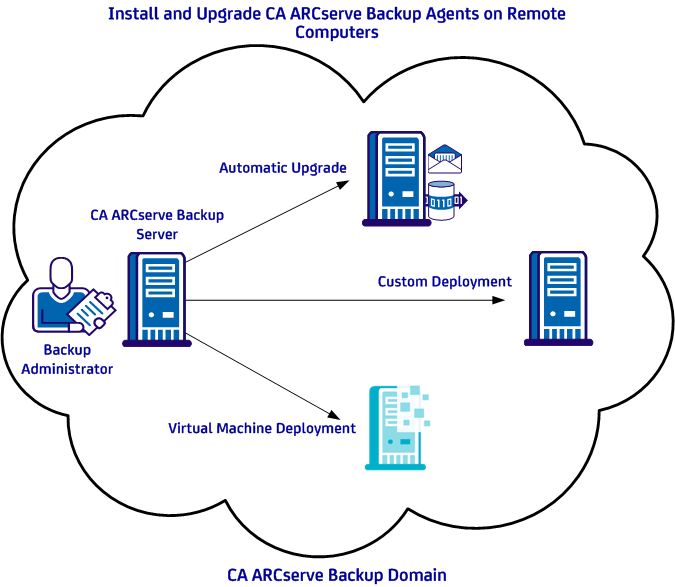
Using Agent Deployment, you can deploy agents using the methods described in the following table:
|
Deployment Method |
More Information |
|---|---|
|
Automatic upgrade |
|
|
Custom deployment |
|
|
Virtual machine deployment |
Deploy Agents to Virtual Machines Using Virtual Machine Deployment |
| Copyright © 2011 CA. All rights reserved. | Tell Technical Publications how we can improve this information |