

|
|
|
The Agent for Sybase lets you back up and restore multiple instances of Sybase Adaptive Server.
To configure the agent to support multiple Sybase instances
The Backup Agent for Sybase Configuration dialog opens.
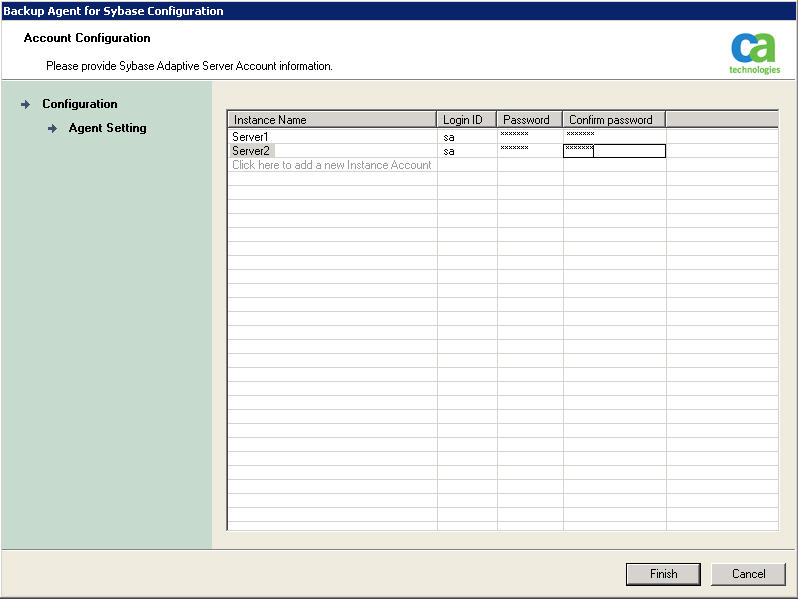
The agent is now configured to support backup or restore operations for multiple Sybase instances.
| Copyright © 2012 CA. All rights reserved. | Tell Technical Publications how we can improve this information |