

|
|
|
When you use the option to back up or restore a database, you can view the status of the job.
To monitor the Job Activity
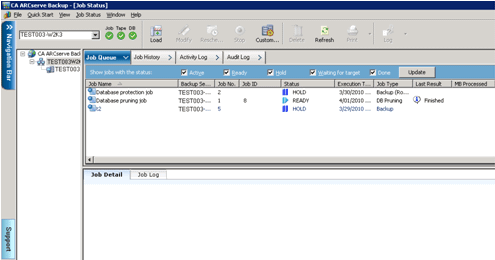
For more information about the Job Status Manager, see the Administration Guide and the Implementation Guide.
| Copyright © 2012 CA. All rights reserved. | Tell Technical Publications how we can improve this information |