

|
|
|
CA ARCserve Backup lets you change the name of a customized group, delete a customized group, and change the servers in the group, as needed.
To manage customized groups
Backup Manager opens with the default Group View displayed.
Note: If the source tree displays in the Classic View, click the drop-down list above the tree and select Group View.
The Customized Group Configuration dialog opens.
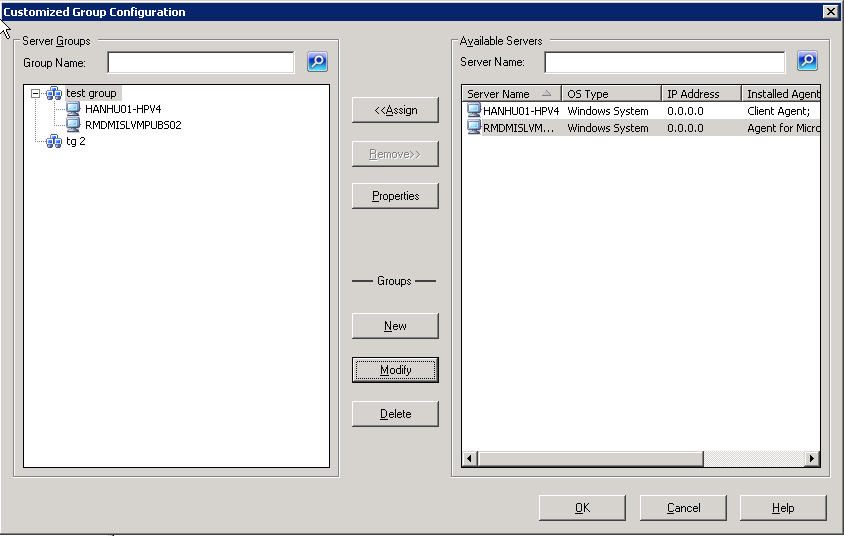
Enter a new name, and click OK.
The server is added to the list of available servers on the right. From the list of available servers, choose a server to add. Click Assign. The server is added to the group.
| Copyright © 2011 CA. All rights reserved. | Tell Technical Publications how we can improve this information |