

|
|
|
Creating shared device groups is the key to the flexibility and efficiency of CA ARCserve Backup.
Note: Shared device groups can only be modified, created, or deleted from the Primary server.
To create shared device groups
The Device Group Configuration dialog opens.
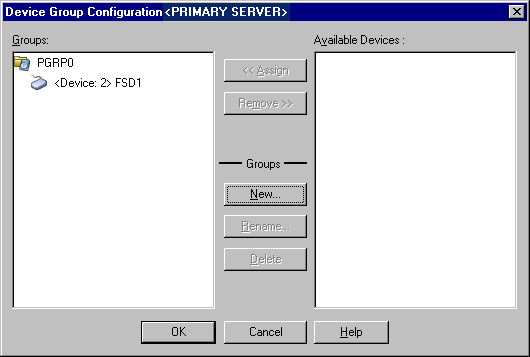
The New Group dialog opens.
The new device group is displayed in the Device Group Configuration dialog.
| Copyright © 2011 CA. All rights reserved. | Tell Technical Publications how we can improve this information |