Backup Manager opens with the default Group View displayed.
Note: If the source tree displays in the Classic View, click the drop-down list above the tree and select Group View.
The Customized Group Configuration dialog opens.
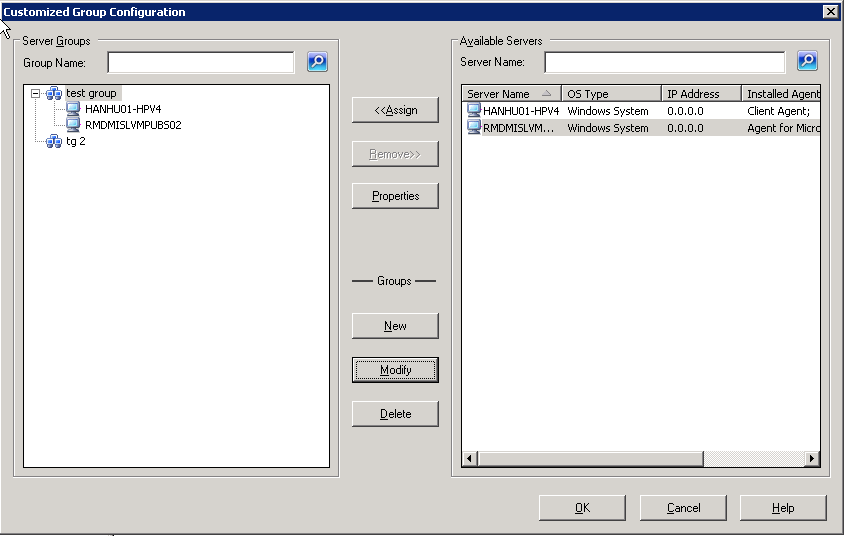
- To delete a group, select the group and click Delete.
- To rename a group, select the group and click Modify.
Enter a new name, and click OK.
- To reassign servers, select a server that you want to remove from the left side of the dialog and click Remove.
The server is added to the list of available servers on the right. From the list of available servers, choose a server to add. Click Assign. The server is added to the group.