- Click the Source tab and specify the objects that you want to restore.
- Click Options on the toolbar and specify the options that you require for the job.
- Click Submit on the toolbar to submit the job.
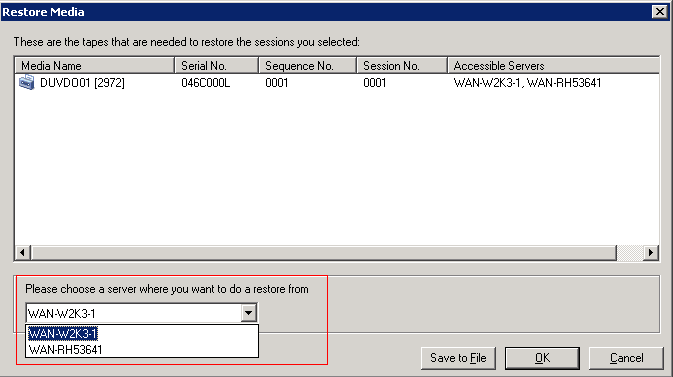
After you complete the required fields on the Submit dialog, the Restore Media dialog opens as illustrated by the following dialog:
Consider the following best practices:
- With shared devices, you can restore data from the primary server or data mover. However, you should specify the data mover server on the Restore Media dialog to ensure that you restore the data from the local data mover server.
- Optionally, you can restore Oracle database data from the RMAN Console. With RMAN Console restores, it is not necessary to specify the device information in the sbt.cfg configuration file. The restore behaves in the manner because RMAN obtains information about the tape media while processing the restore.