

|
|
|
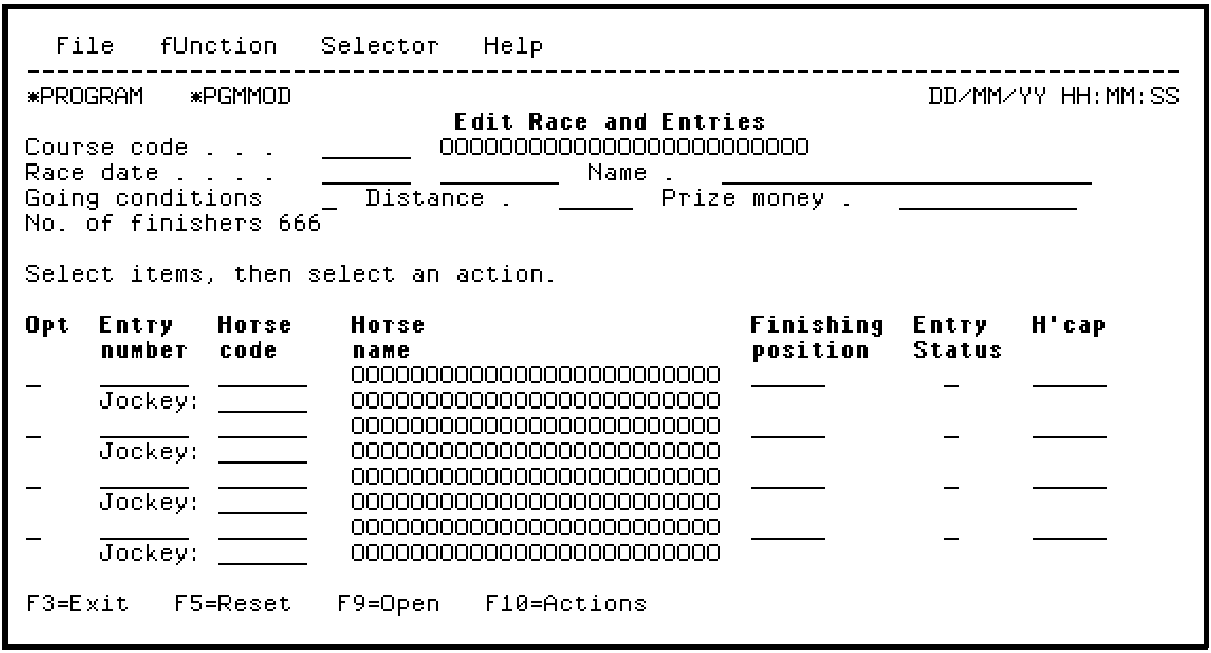
Adjust the device design so that all fields fit on the panel. Move the No. of finishers function field to a new line and hide the Finished race function field so that it is not displayed.
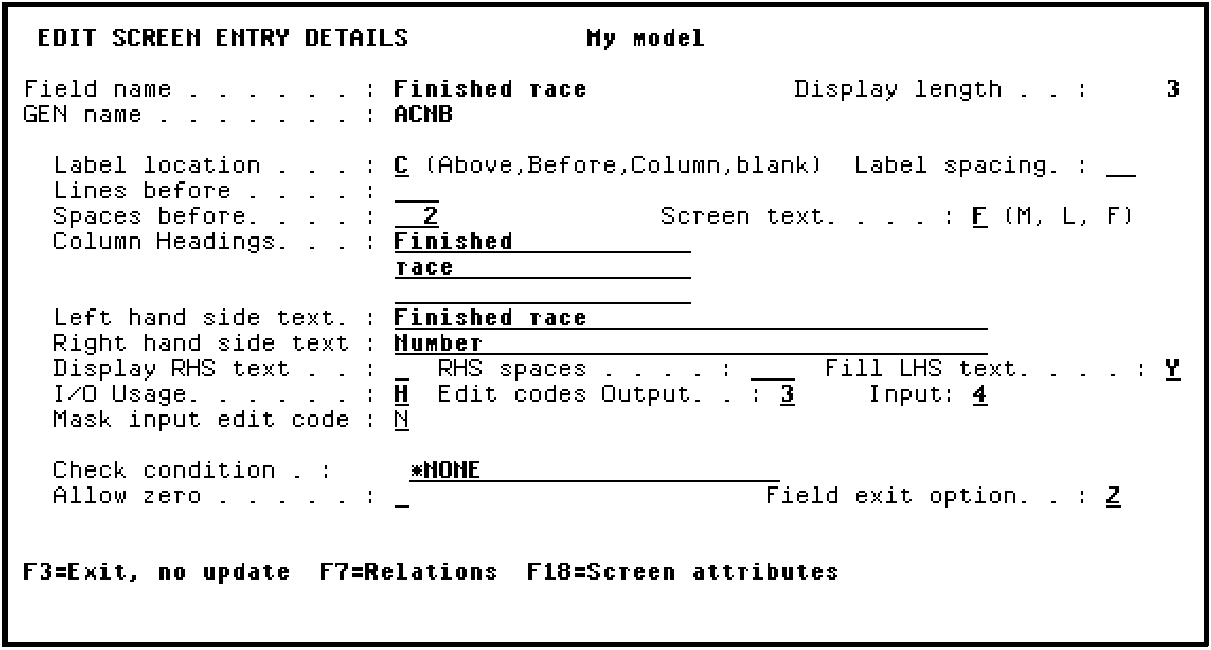
To do the latter, position the cursor on the field and press Enter. The Edit Screen Entry Details panel displays. Change the I/O usage for the field to hidden (H).
Press Enter. The final device design should look like this:
Press F3 to go to the Edit Function Devices panel.
| Copyright © 2011 CA. All rights reserved. | Tell Technical Publications how we can improve this information |