

|
|
|
Once the values allowed for the status fields in your model have been converted to the database file, you will be returned to the Display Convert Model Data Menu. A message appears at the bottom of the panel to indicate that the conversion is complete.
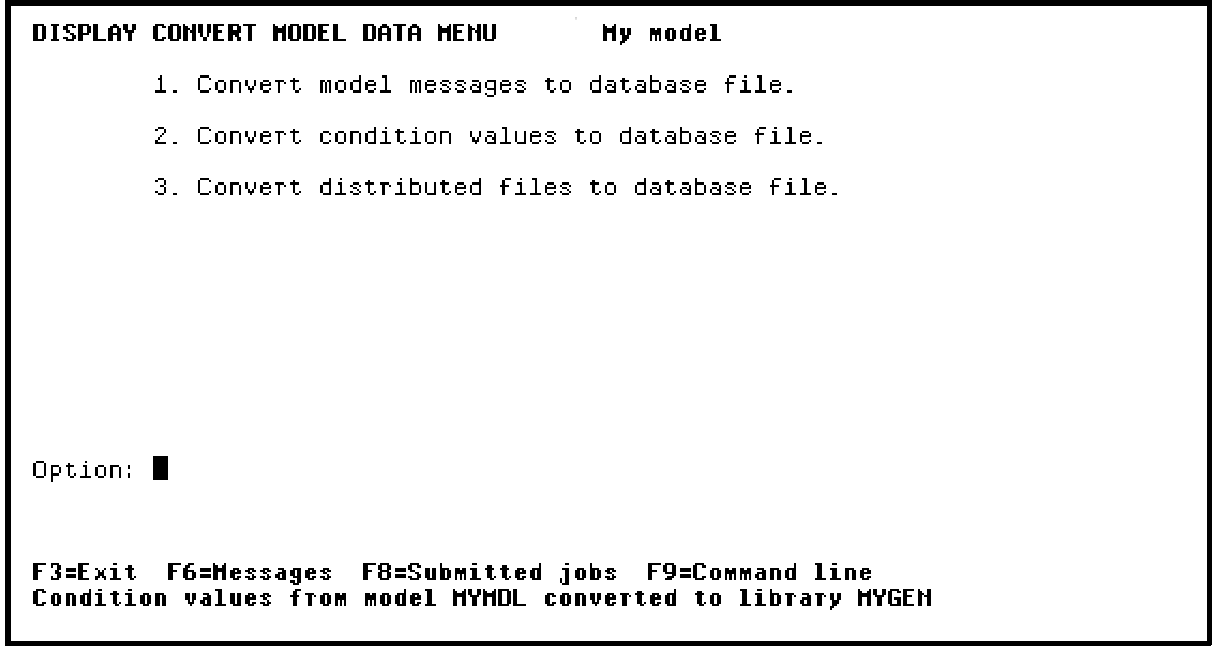
Press F3 twice to return to the Edit Database Relations panel.
| Copyright © 2011 CA. All rights reserved. | Tell Technical Publications how we can improve this information |