

|
|
|
The Display All Access Paths panel presents a list of all access paths in the design model. It lets you perform many design, control, and generation tasks for one or more access paths from one panel.
Select all of the existing access path designs for batch generation and compilation by typing a J in the Subfile selector next to each access path in the list.
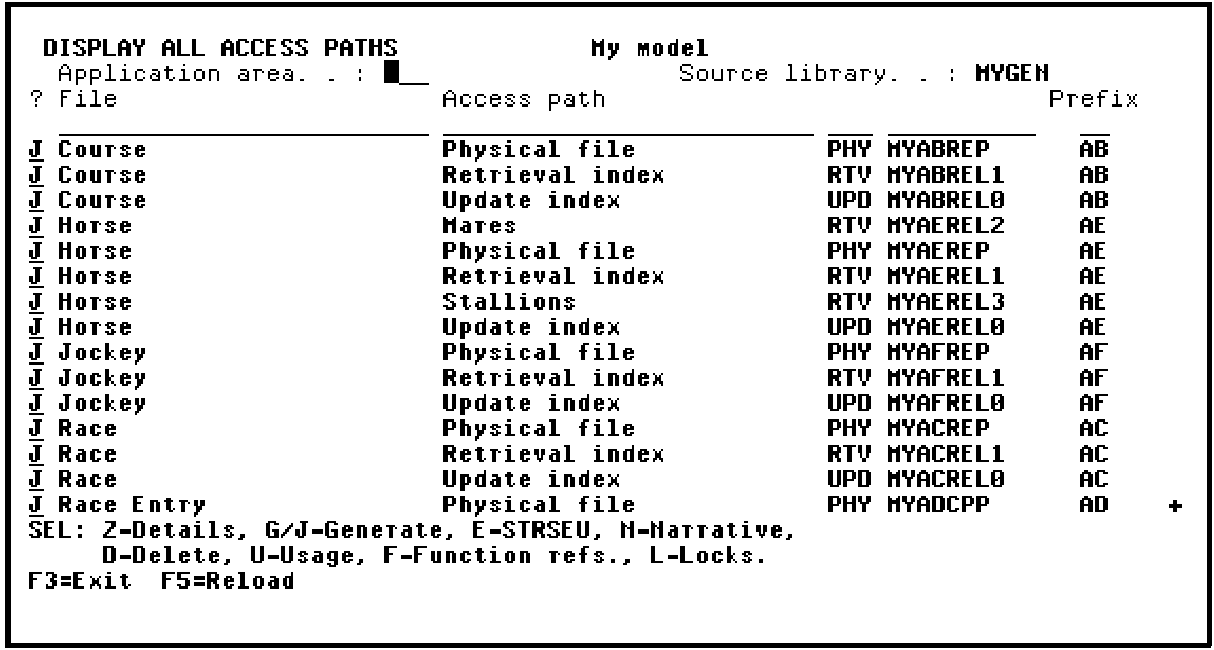
Press Roll Up to display the next screen of access paths. Select all remaining access paths with a J.
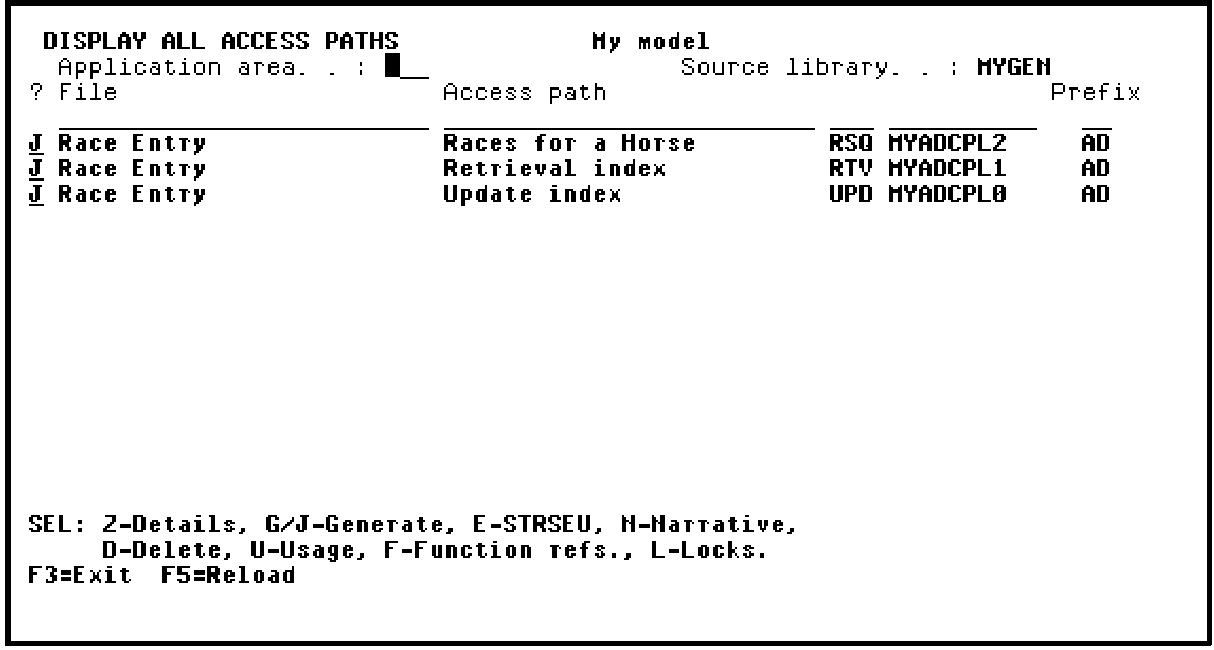
Press Enter.
| Copyright © 2011 CA. All rights reserved. | Tell Technical Publications how we can improve this information |