

|
|
|
All message functions for CA 2E programs are stored in a system file called *Messages. Begin by positioning the Edit Database Relations panel to this file. To do so, type *M on the selection line.
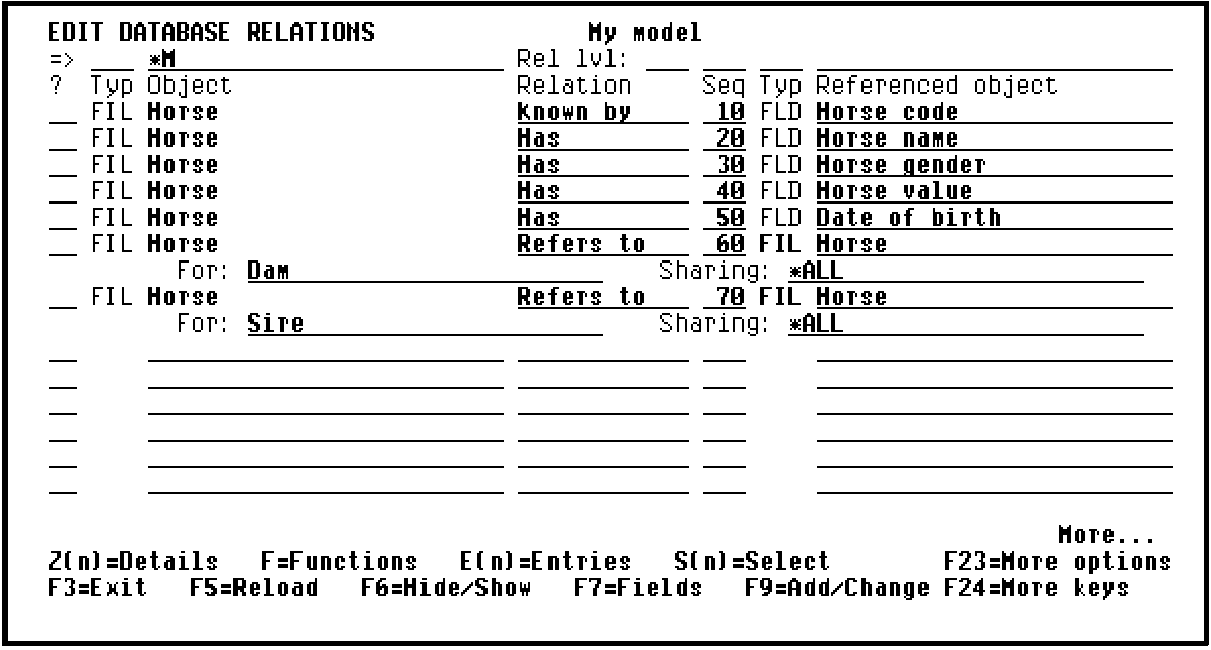
Press Enter.
Type F against one of the relations for the *Messages file to display the existing message functions attached to this file.
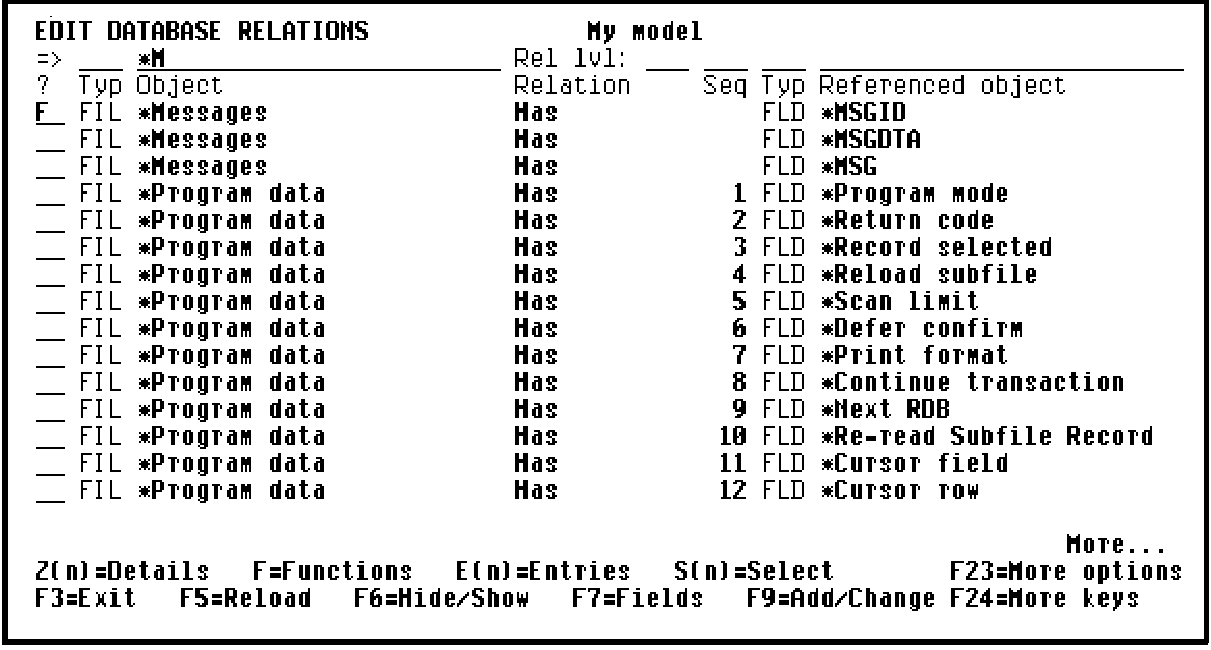
Press Enter.
| Copyright © 2011 CA. All rights reserved. | Tell Technical Publications how we can improve this information |