

|
|
|
Remove the field label for the Sire name field in the same way. Position the cursor on the Sire name field.
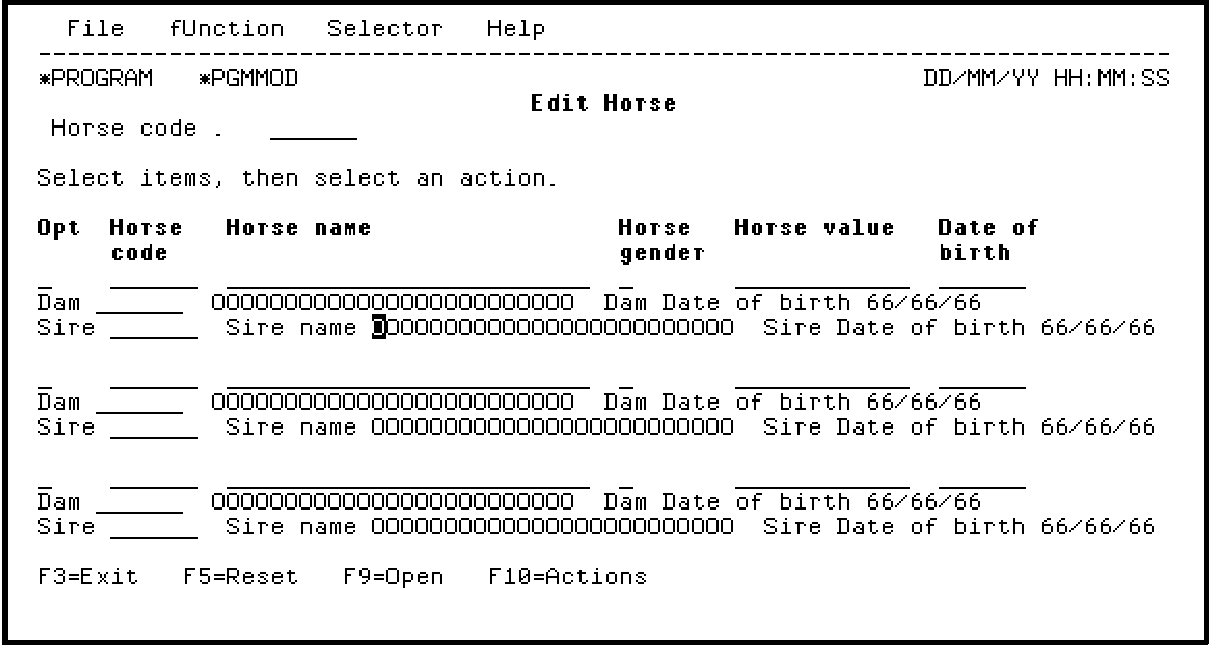
Press Enter.
Notice the value of B (Before) in the Label location field; this caused the LHS text to appear as a label before the Sire name field. To remove the label, change the Label location field from B to blank.
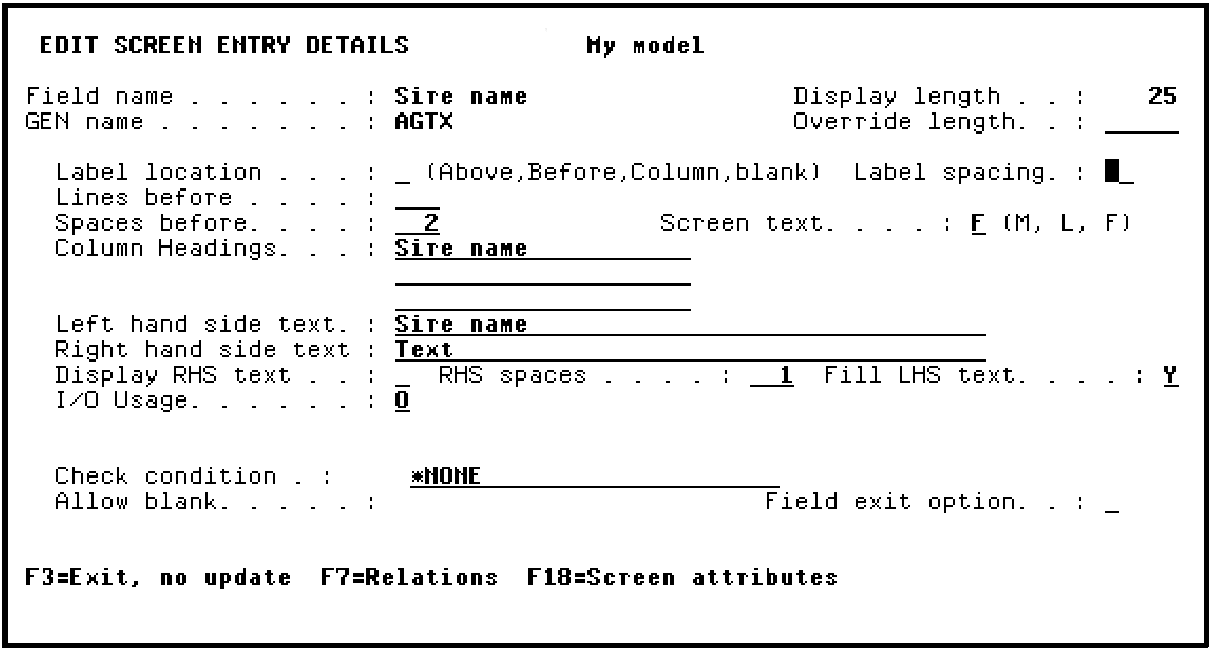
Press Enter.
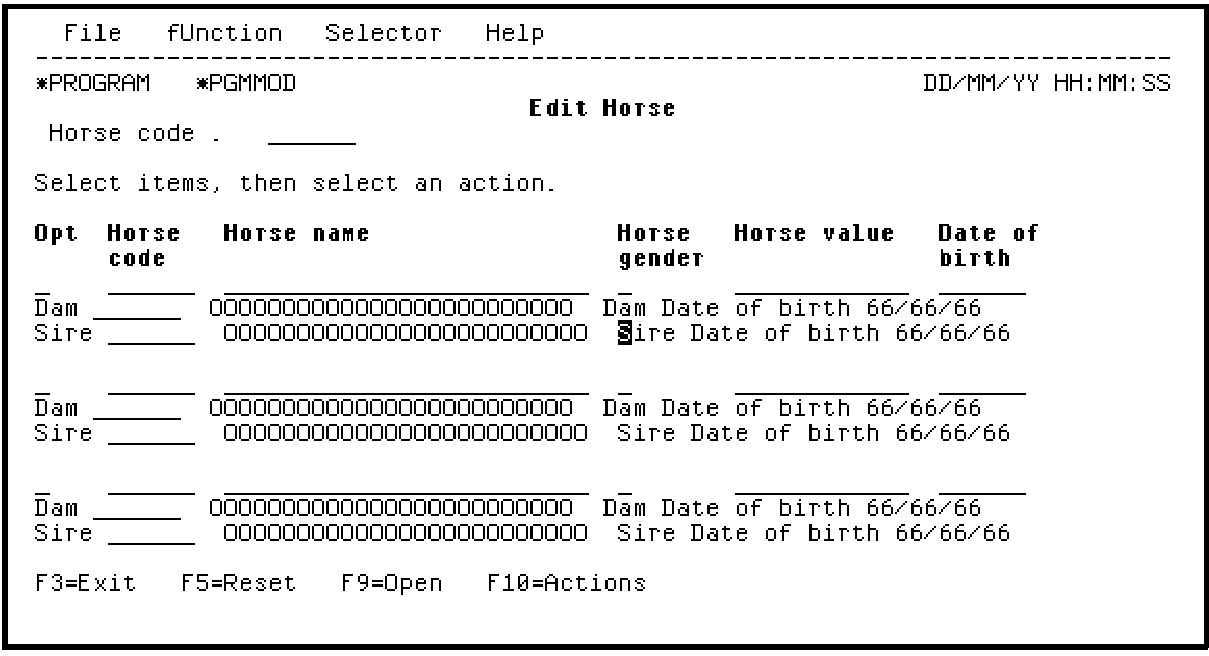
After removing field labels for the Dam name and Sire name fields, the resulting panel will look like the following screen.
| Copyright © 2011 CA. All rights reserved. | Tell Technical Publications how we can improve this information |