

|
|
|
Display the relations for the HORSE file from the Edit Database Relations panel by typing Horse* on the selection line and pressing Enter. To display the access paths for the HORSE file, zoom into one of the relations for the file on the Edit Database Relations panel. Type Z against one of the relations.
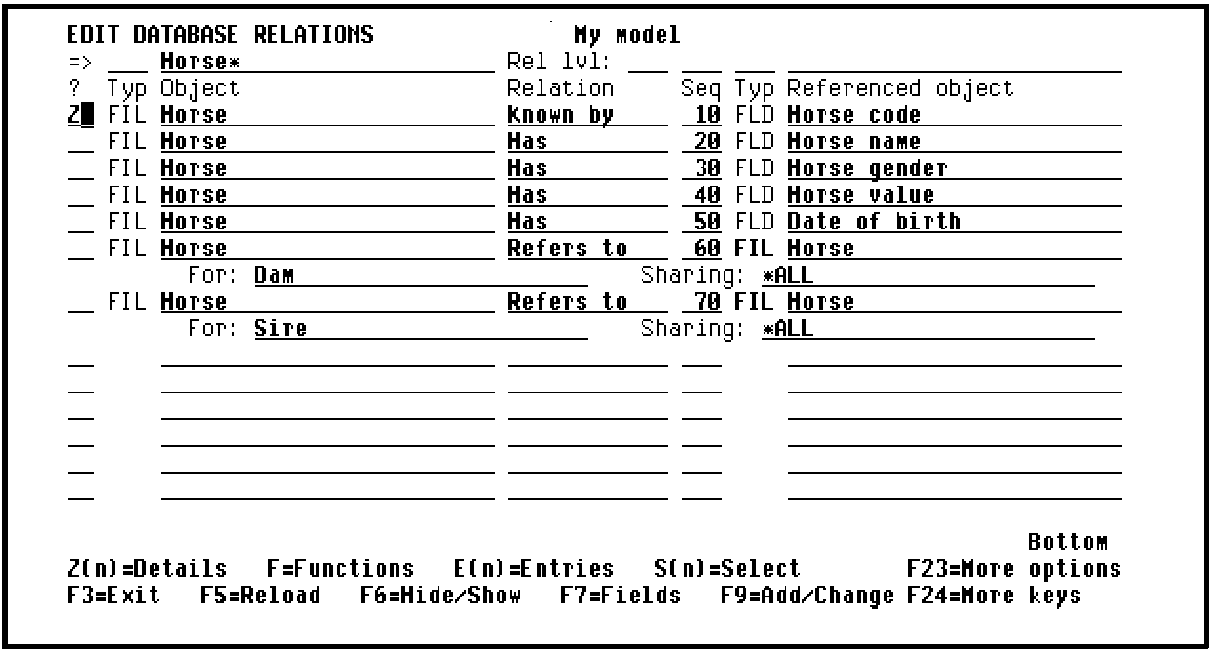
Press Enter to display the default access paths for the HORSE file.
| Copyright © 2011 CA. All rights reserved. | Tell Technical Publications how we can improve this information |