

|
|
|
Test packs of data (for example, files and data areas) each corresponding to a set of test conditions, should be kept so that tests can be rerun.
Prepare a test pack of the data representing the initial state prior to running the test. Ideally, a test pack is a self-contained library of files and data areas, or a set of physical files.
Take a ‘snapshot’ of the test pack as it is prior to running the test. This may be done in two ways:
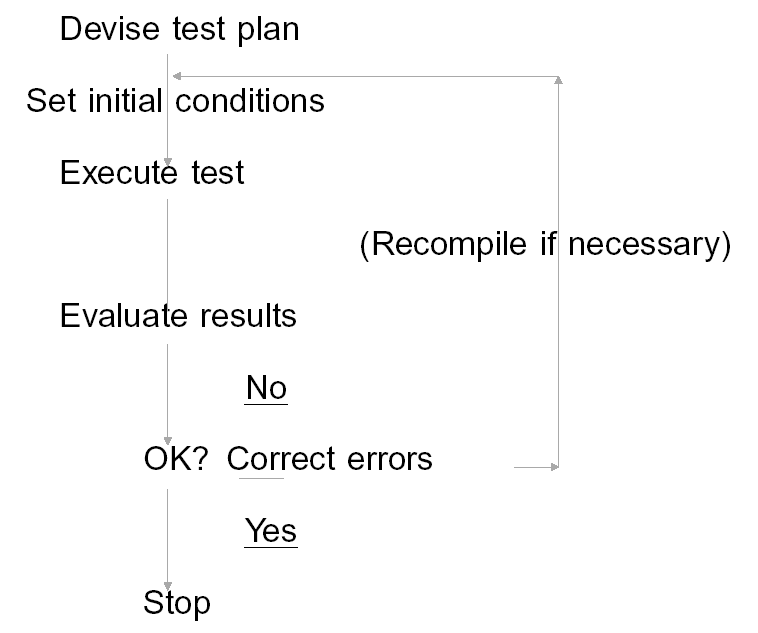
Run the test and examine the output data. If an error is found, correct it, restore from the ‘snapshot’, and rerun the test. You may restore the snapshot either by using the OS/400 restore commands (RSTLIB, RSTOBJ) to restore from your save file, or using the CA 2E Toolkit YCPYF command to restore from your set of physical files.
| Copyright © 2011 CA. All rights reserved. | Tell Technical Publications how we can improve this information |