Creating/Defining Your Data Model › Defining Your Data Model › Specifying Field Types
Specifying Field Types
Follow these instructions to specify field types to newly defined fields.
- At the Edit Database Relations panel, access the Define Object panel. Press F10.
The Define Objects panel displays. This panel allows you to create objects. You can define more than one object on the subfile panel for a single Enter key.
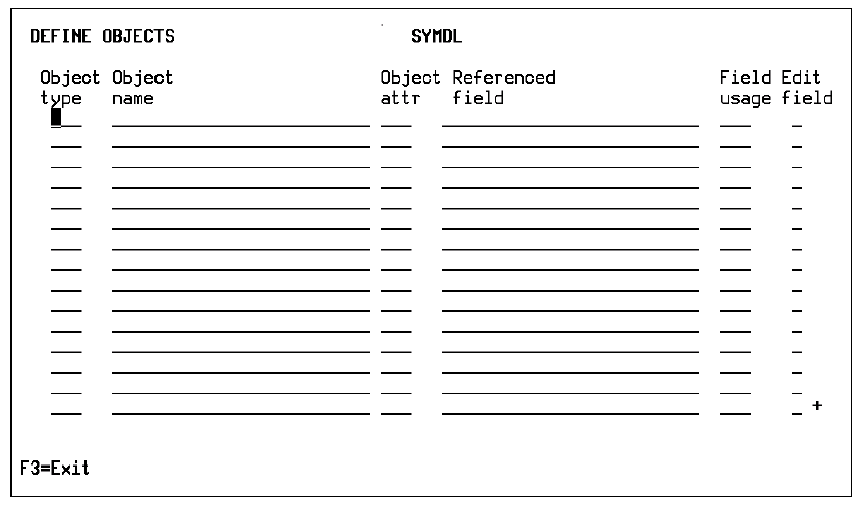
Note: If you entered information on the Edit Database Relations panel, some information may appear on the Define Objects panel.
- Define a field:
- Define the object as a field. In the Object attr column, enter FLD.
- In the Object name column, enter a name for the field.
- In the Object attr column, specify the field type by doing one of the following:
- In the Object attr column, enter the code for the field type; for example, CDE or TXT.
- Select the field type from a list of default field types. In the Object attr column, enter ? and press Enter. From the list that appears, select a field type.
- In the Field usage column, enter the field usage. The usage defines whether the field can be used as a key (CDE), an attribute (ATR), or a function field.
See the chapter "Understanding Your Data Model" for more information about fields.

