

|
|
|
The Parameter (PAR) context contains the fields that you define as parameters for the current function. This includes the function whose action diagram you are currently editing.
You can specify function parameters using the Edit Function Parameters panel. When you define a field as a function parameter, CA 2E automatically adds the field to the PAR context of the function, but availability of the fields associated with the PAR context is user-point dependent.
If you define parameters for a particular function, then the PAR context is available at all points in the action diagram of that function.
Consider the following example. If you create a Display file function on a Horse file, you could specify Horse code as an input parameter and Race date and Race time as output parameters:
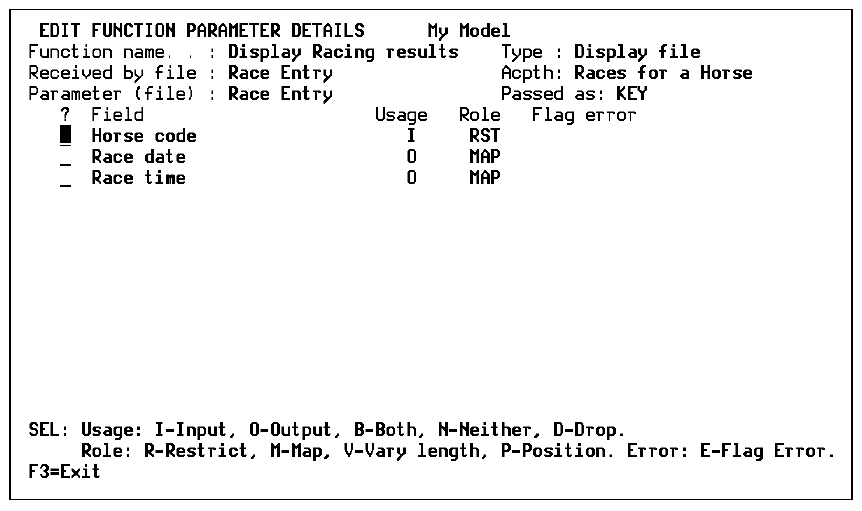
The Horse code could then be used as an input field and the Race date and Race time as output fields at appropriate places in an action diagram. For example:
CTL.Horse code = PAR.Horse code <<<
  PAR.Race date = DTL.Race date                      <<<
  PAR.Race time = DTL.Race time                      <<<
| Copyright © 2011 CA. All rights reserved. | Tell Technical Publications how we can improve this information |