

|
|
|
This section shows an example of how you might use these new features in CA 2E. Some settings and selection might vary depending on your system configuration.
To define and deploy a Web Service from CA 2E
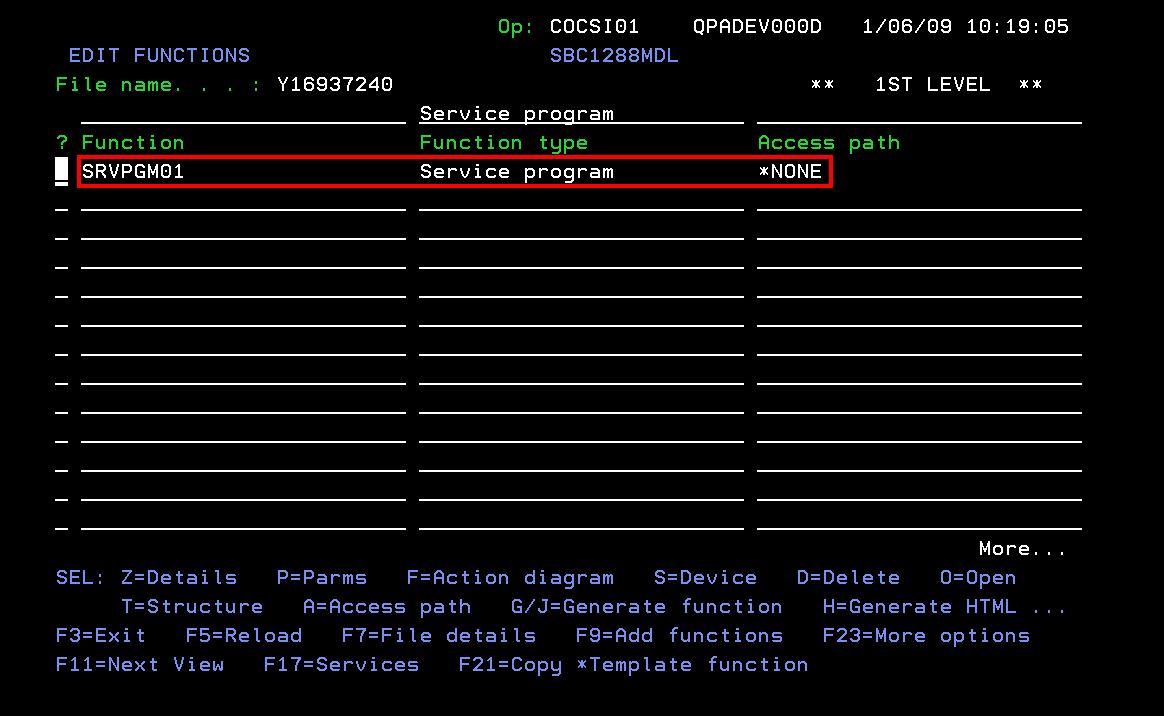
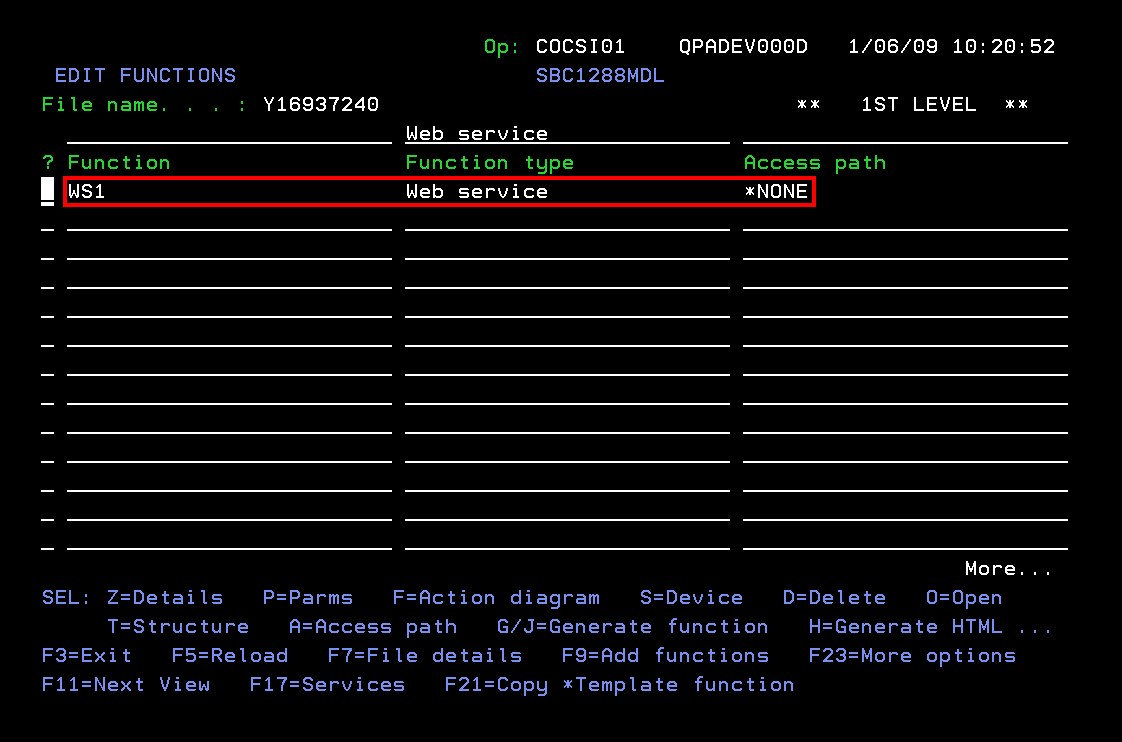
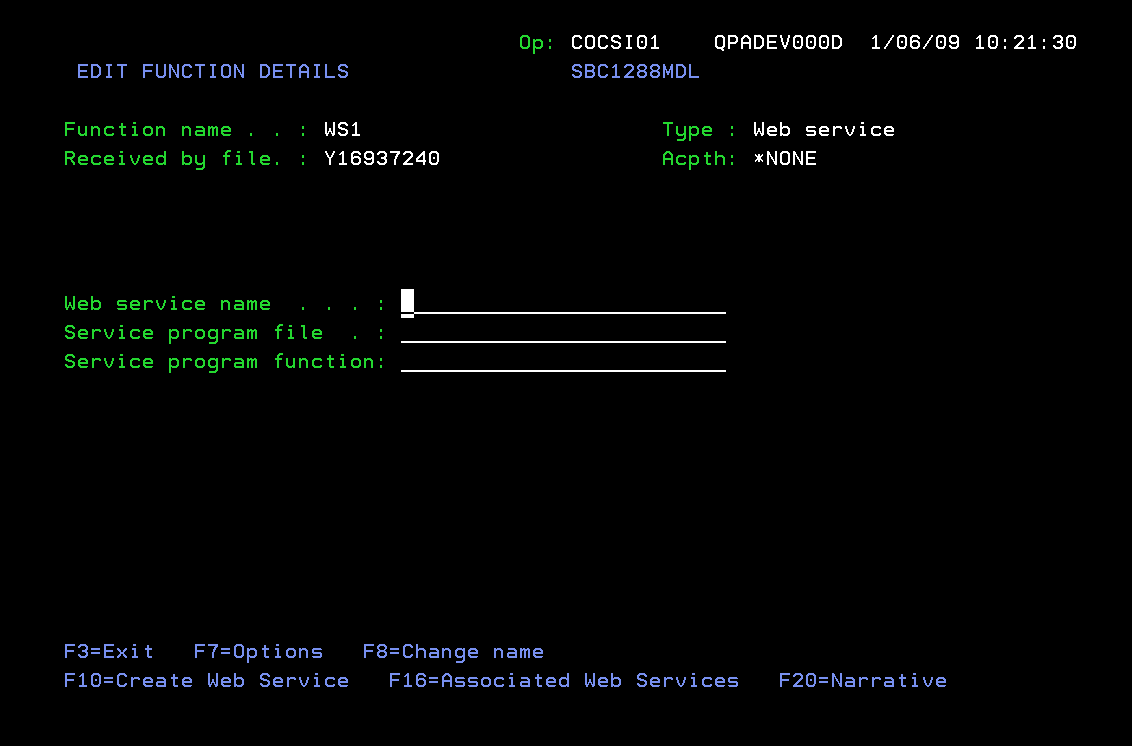
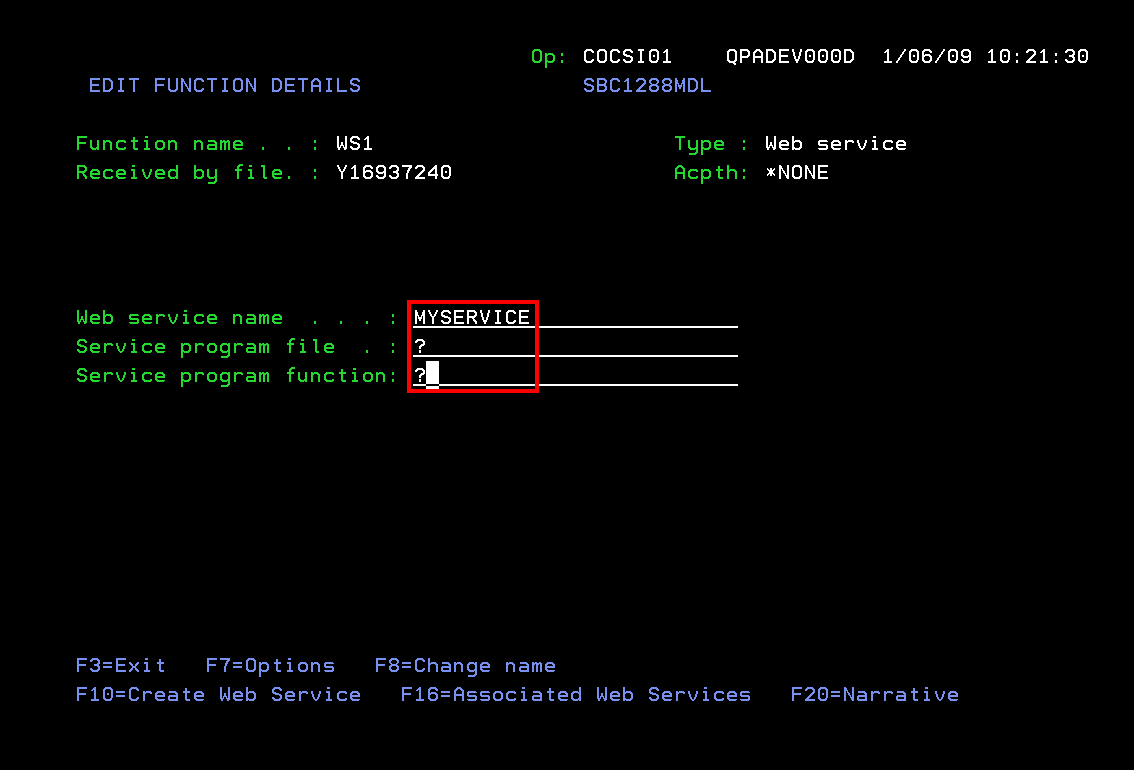
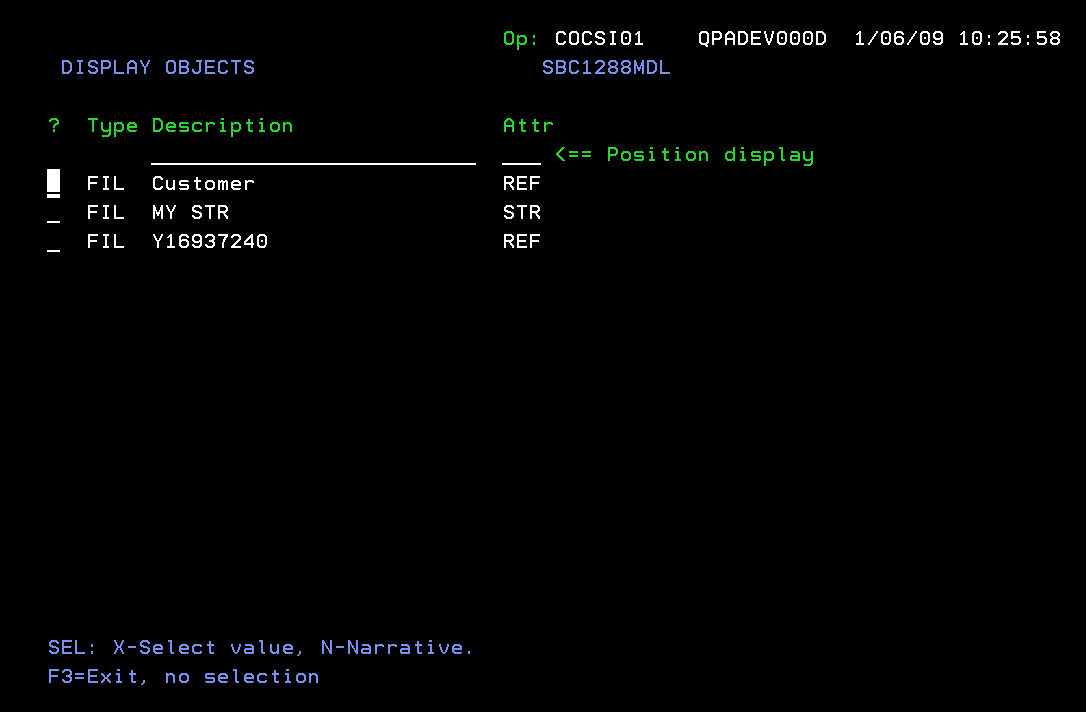
Note: On Service program file and Service Program function allows user to choose file, as in the following example:
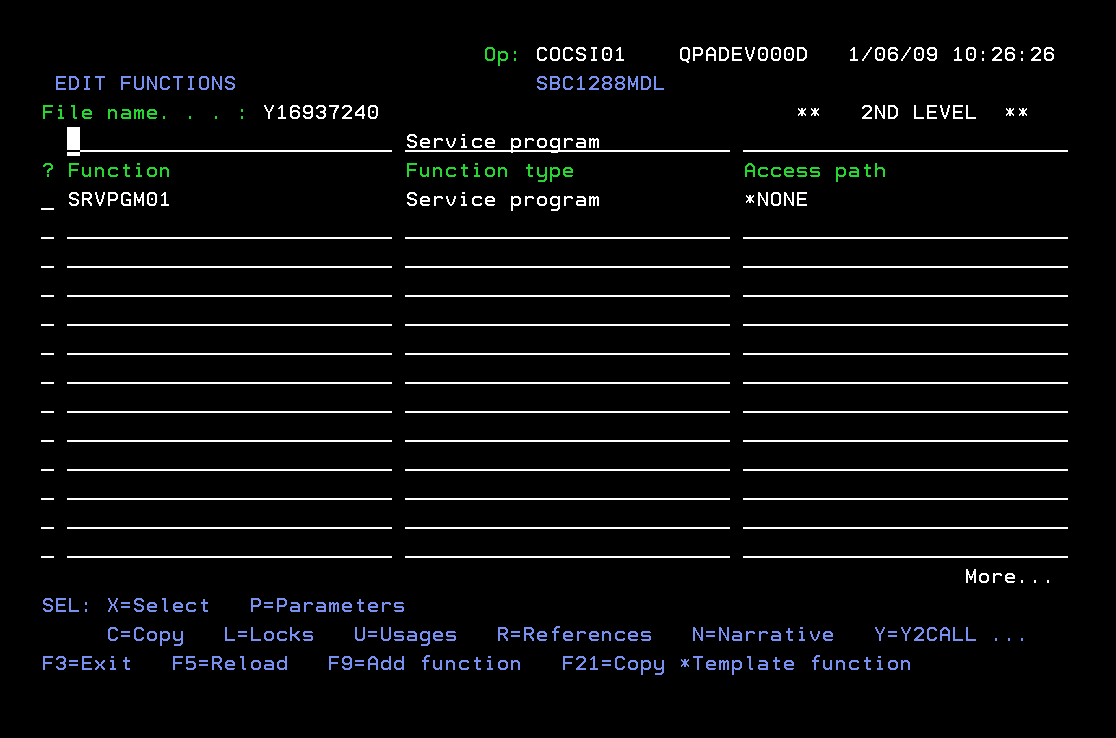
Users can also choose function, as in the following example:
Auxiliary details populated.
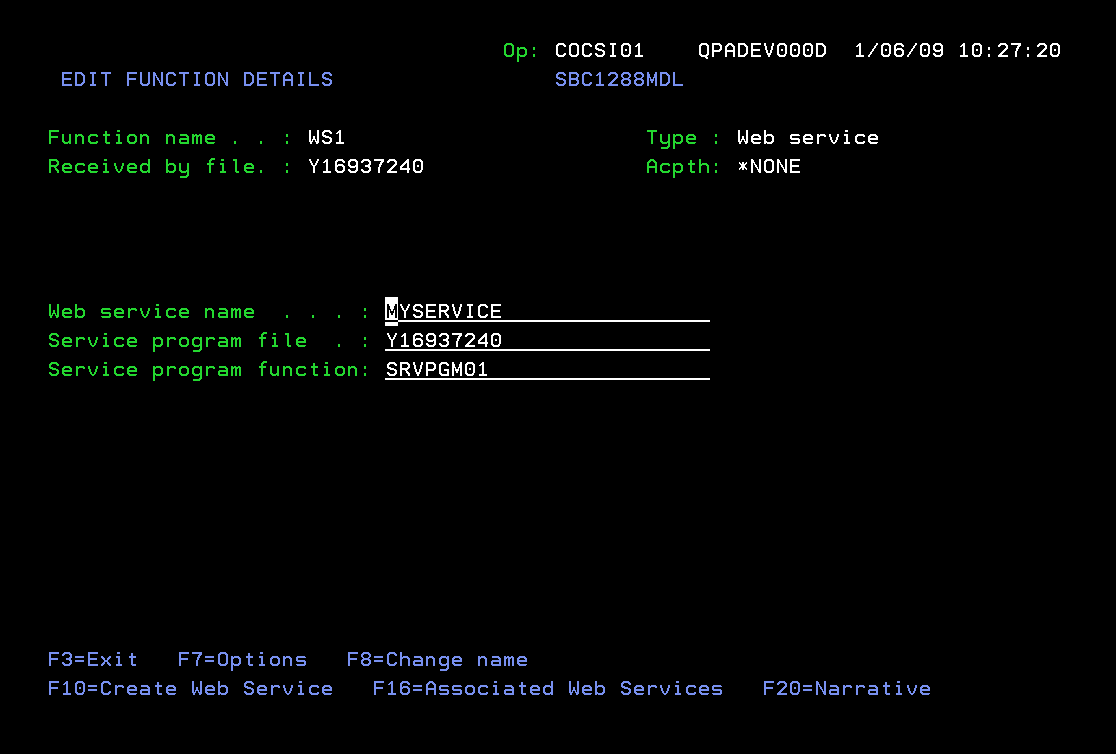
Note: Any number of Web Service Instances can be created from the EDIT FUNCTION DETAILS panel. Each Web Service will be associated with the 2E Web Service function in the panel header.
All the associated Web Services can be viewed using F16 to invoke the WEB SERVICE INSTANCES panel.
To create a Web Service Instance with a different Web Service name, you should change the Web Service Name on Edit Function Details, then press F10.
Note: If any of the instances have been installed to a server and the Installed Flag is set to Y, then the Web Service Name, Service Program File and Service Program Function all become Output only. This is to ensure that the Web Service details in the model, and the installed Web Service Instance, are in synch.
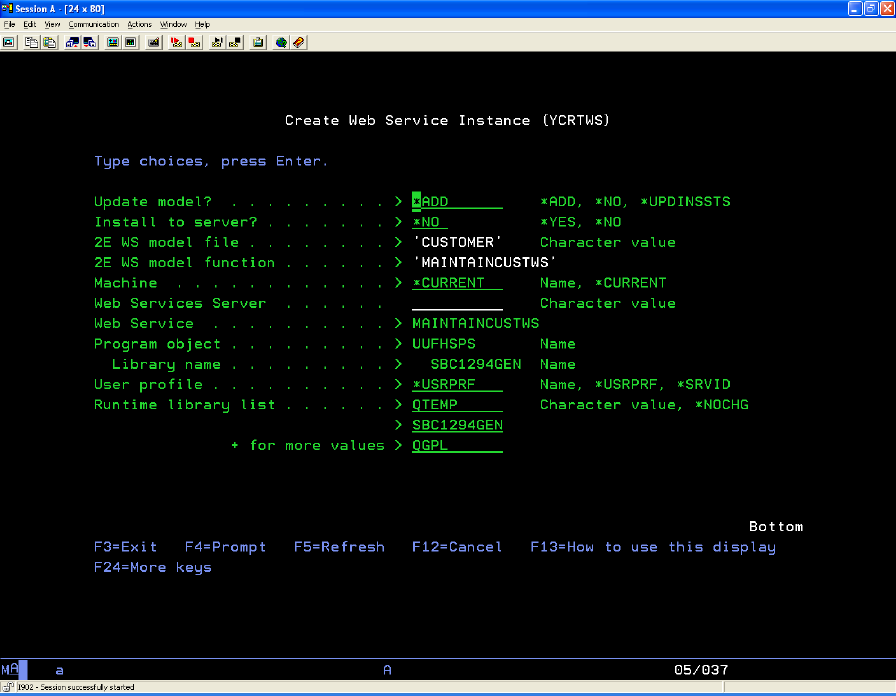
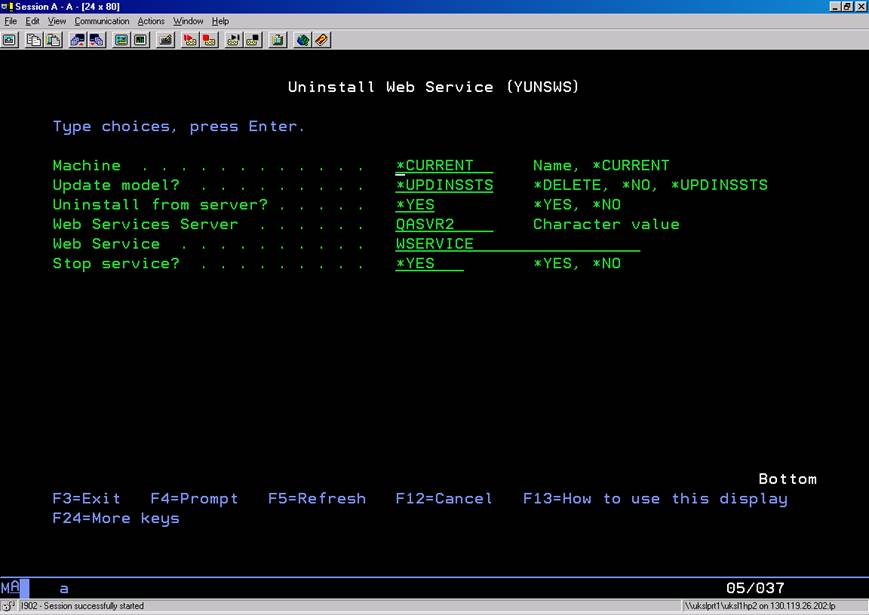
Note: See the section New Commands for the command parameter descriptions.
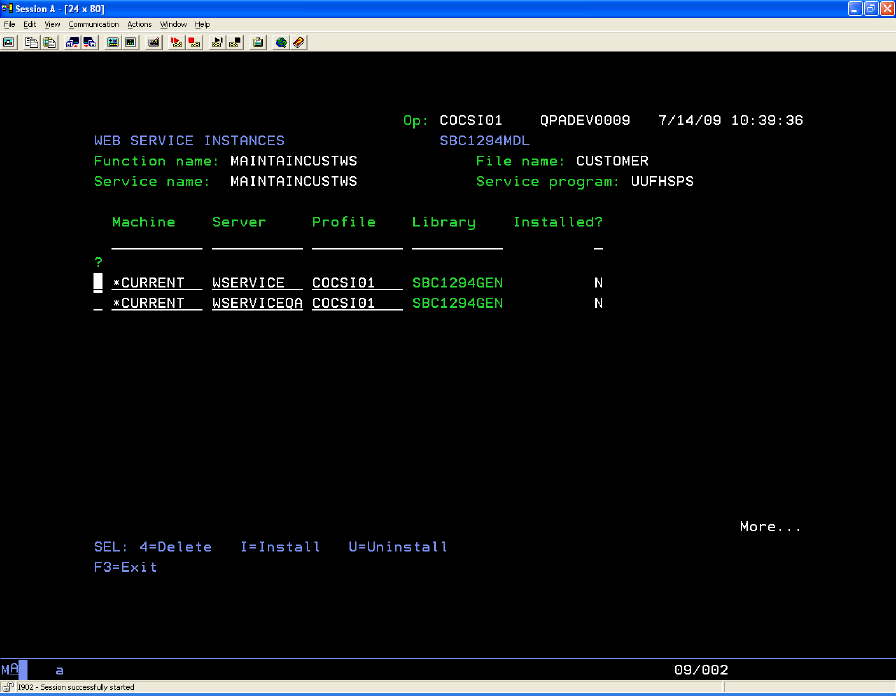
A machine name of *CURRENT indicates that the Web Service instance is to be deployed on the local machine. If you enter any other machine name other than the local one, the Installed flag will always be set to ?, since the machine is not available.
You can only take option I - Install for a Web Service Instance with Machine = *CURRENT. To install Web Service instances to a remote machine, you must use the Web Service Remote Deployment feature. For further details of this please refer to the corresponding section in this chapter.
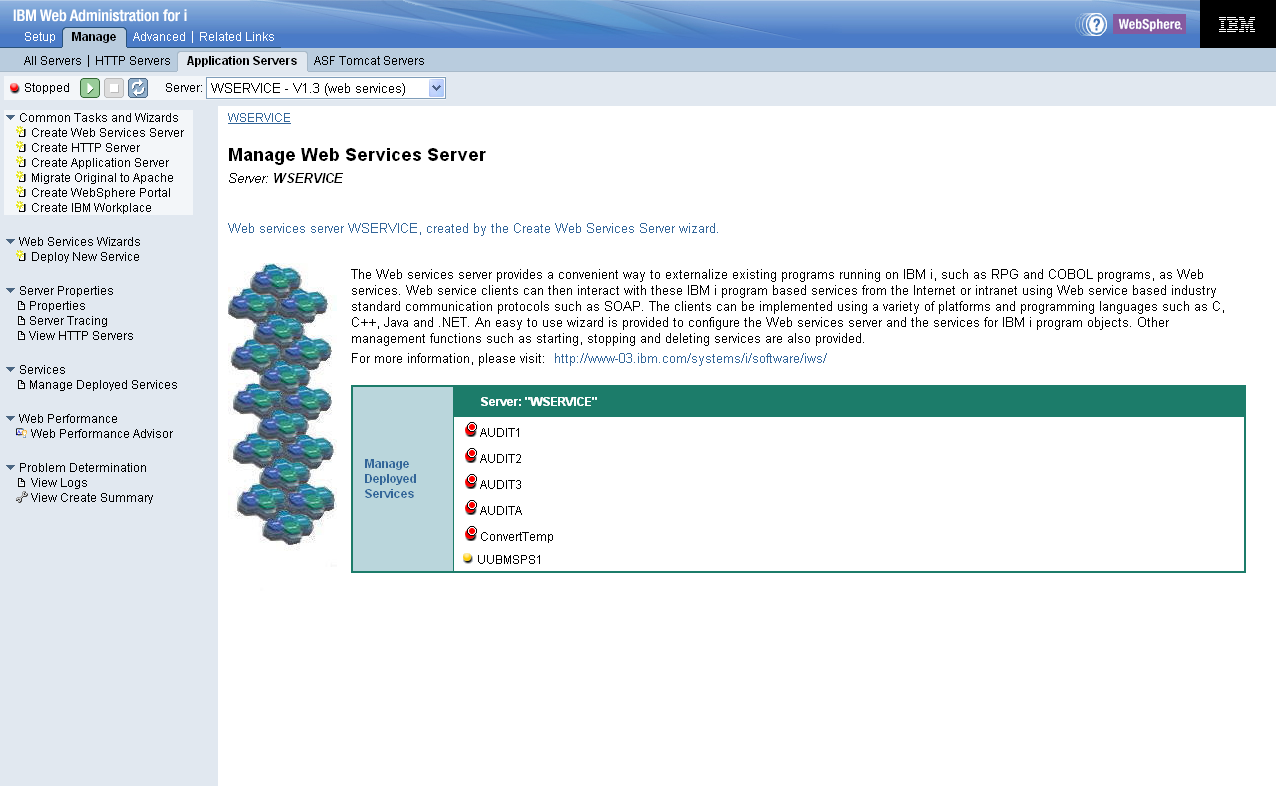
http://{your_machine}:2001
| Copyright © 2011 CA. All rights reserved. | Tell Technical Publications how we can improve this information |