

|
|
|
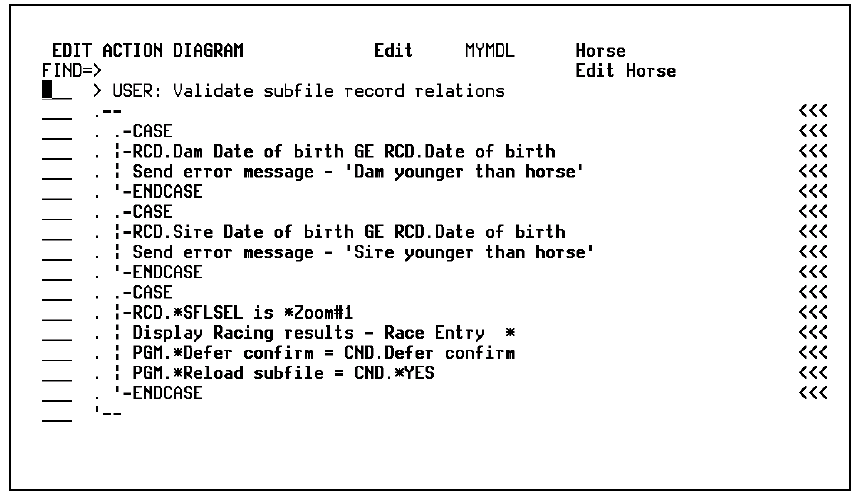
In full screen mode, no subfile option or function keys display on the Edit Action Diagram panel and the subfile page is expanded to fill the space. The Action diagram full screen option in the model profile sets the default mode. You can override this value for any function using the Full screen mode option on the Action Diagram Services panel. Use this option to return to normal mode.
Following is an example of the action diagram in full screen mode:
| Copyright © 2011 CA. All rights reserved. | Tell Technical Publications how we can improve this information |