

|
|
|
The Edit User Exit Points window appears.
The next level of the action diagram appears.
The new case appears.
The Edit Action - Condition Window appears.
The Edit Action - Compound Condition panel appears.
Note: On the Edit Action - Compound Condition panel you have an input-capable, 240-character field.
CA 2E creates the undetermined condition statements on the lower portion of the panel. At this point, you can enter F against the condition to display the Edit Action - Condition panel at which point you can specify the condition.
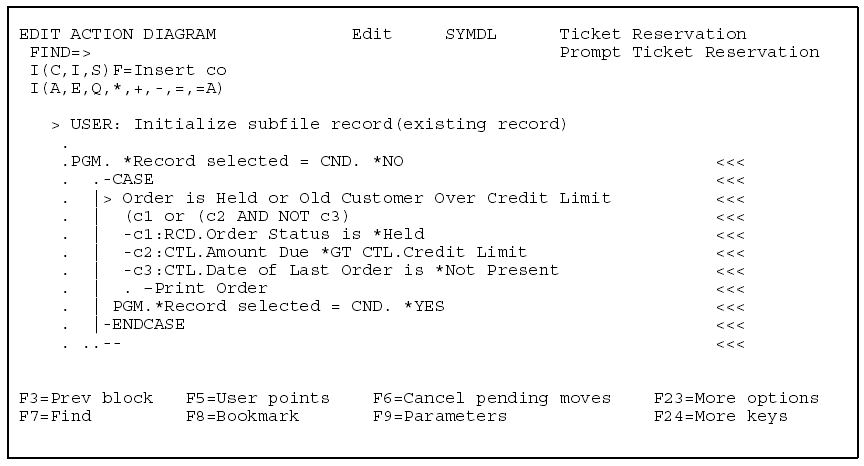
Note: Once you define a compound condition in the action diagram, type F next to the condition. CA 2E displays the Edit Action - Compound Condition panel.
| Copyright © 2011 CA. All rights reserved. | Tell Technical Publications how we can improve this information |