Previous Topic: Creating a New Function from One That Exists

Next Topic: From a Template Function

From the Edit Functions Panel

To copy a function from the Edit Functions panel:

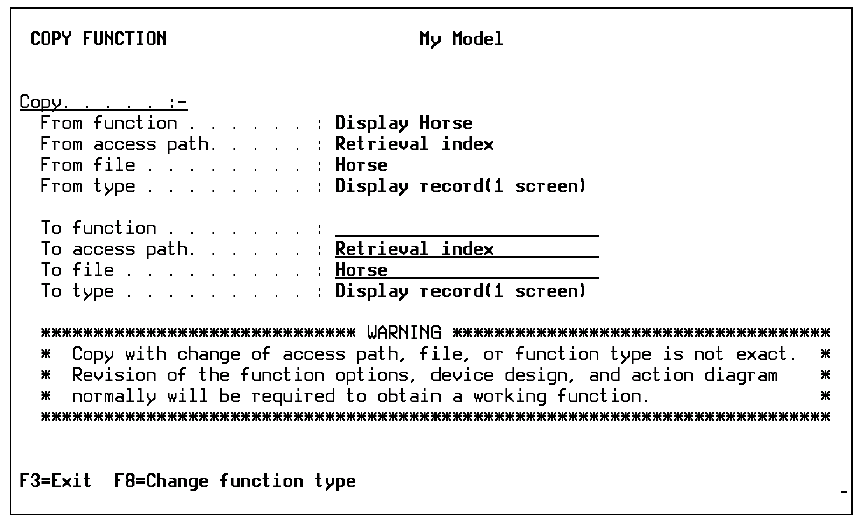
  1. Type C next to the function you want to copy and press Enter. The Copy Function panel appears.
  2. Specify the new function by typing the function, file, and access path names of your new function. If you want to change the function type, use F8.
  3. Press Enter to copy the function.

Note: Because copying between files and access paths is not exact, you should revisit the action diagram and device design of the copied function.
From the Edit Functions Panel