

|
|
|
Use the Edit Field Type Defaults to specify the default initial values for some additional basic attributes of the field; for instance, field exit options and edit codes. You can obtain this panel in either of two ways:
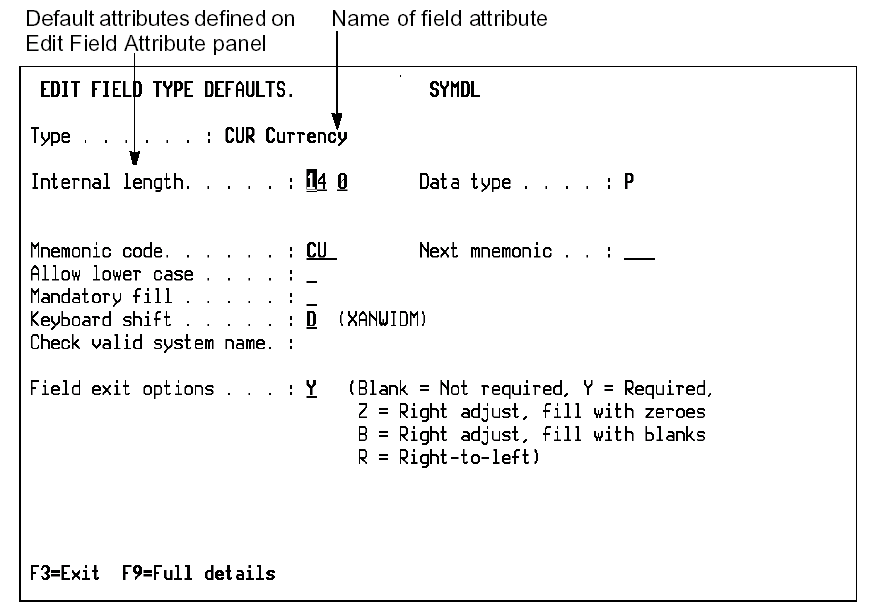
The Edit Field Type Defaults panel allows you to enter and change the following attributes of the field type:
| Copyright © 2011 CA. All rights reserved. | Tell Technical Publications how we can improve this information |