

|
|
|
You use the Edit Field Type panel to define new field types. This panel enables you to update the attributes for CA 2E field user-defined types. This panel is display only for CA 2E system field types.
Follow these instructions to define your own field type:
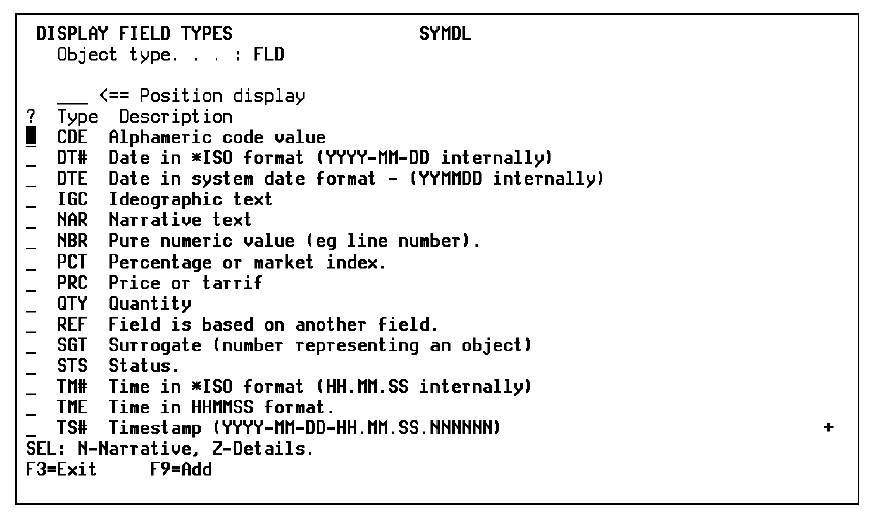
Type Z against one of the relations for the *Field attribute types file to access the field types. The Display Field Types panel displays.
This panel shows a list and the description of all the existing field types contained in the shipped file.
| Copyright © 2011 CA. All rights reserved. | Tell Technical Publications how we can improve this information |