Maintaining Your Data Model › Related Procedures for Maintaining Your Model › Delete a Field
Delete a Field
- From the Edit Database Relations panel, press F7 to display the Display Fields panel.
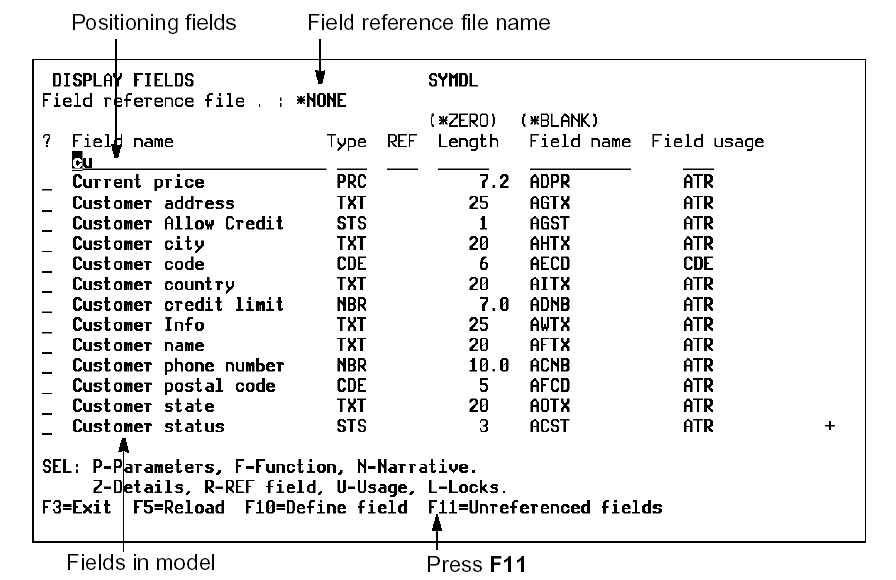
- A field can be deleted only if it is not referenced by any other field, file, or relation. Press F11 from the Display Fields panel to display a list of unreferenced fields in your model.
- Type D next to each of the fields to be deleted and press Enter.

