

|
|
|
You can add or edit function fields to the device designs of functions using the following steps:
The Edit Function Field panel appears.
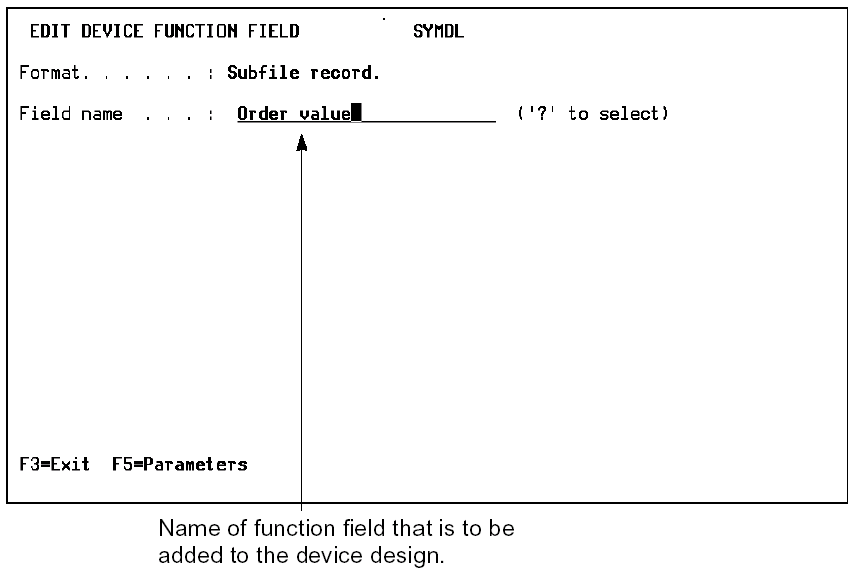
2. Add the function fields. Type the name of the field that will be added or choose the selected function field from a list by entering: ?.
If you are adding a new function field, use ? to display all fields and F10 to create a new one. During this selection process, you can define any new function field for use in this or any other function.
| Copyright © 2011 CA. All rights reserved. | Tell Technical Publications how we can improve this information |