

|
|
|
You can add constants to the device format using the following instructions:
Add the constant. At the device design, place the cursor on the field after which the constant is to appear and press F23.
The Edit Screen Constant or Edit Report Constant panel appears.
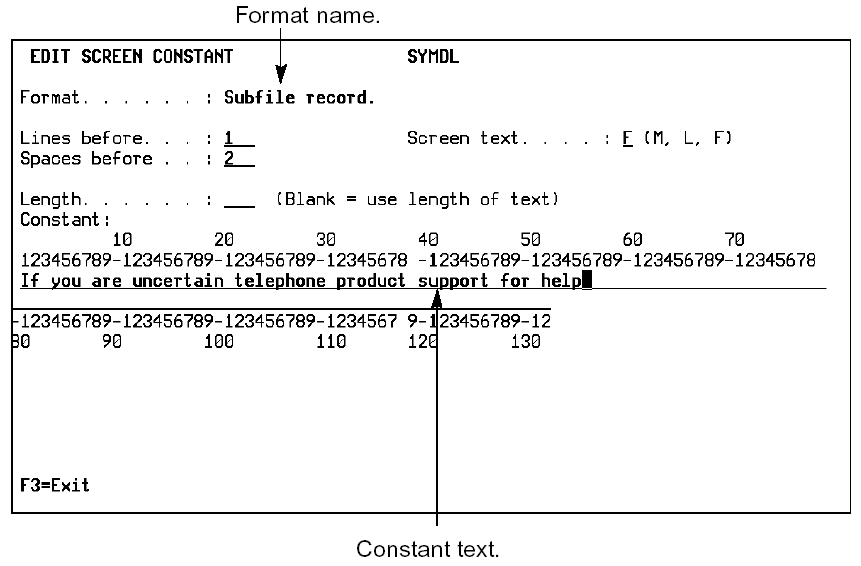
| Copyright © 2011 CA. All rights reserved. | Tell Technical Publications how we can improve this information |