

|
|
|
The Help choice is for actions associated with Help. The following actions are used in one or more panels:
|
Action |
Meaning |
|---|---|
|
Help |
Help for the part of the panel where the cursor is located |
|
Ex help |
Help for the whole panel |
|
Keys help |
Help for accelerator keys |
|
Help index |
Help index |
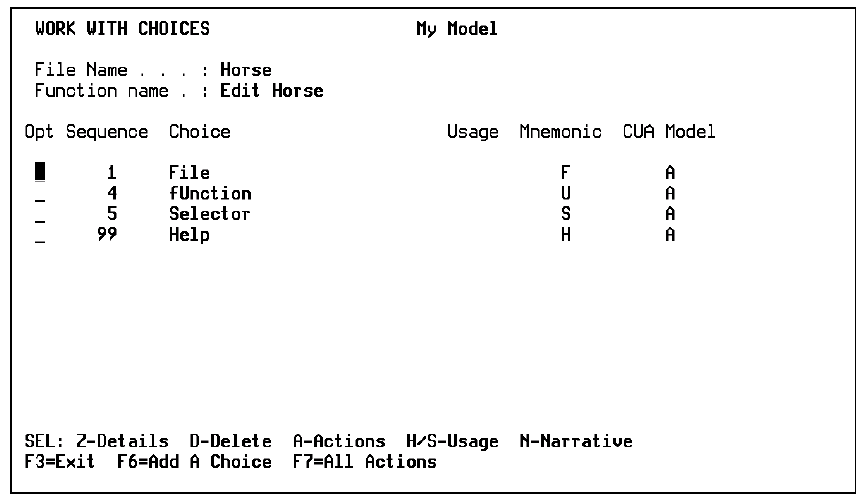
You can override the action bar defaults, using the Action Bar Editor and the following instructions.
The Action Bar Editor appears.
| Copyright © 2011 CA. All rights reserved. | Tell Technical Publications how we can improve this information |