

|
|
|
This topic includes the steps for finding where a function is used and removing all references to it. If the function you want to delete is not referenced by another function, go directly to the last step.
To delete a function
The Edit Functions panel displays, listing the functions for that file.
The Display Function References panel appears, listing all the functions that call the function.
Note: You can also reach the Display Function References panel from the Display Access Path Functions panel and the Display All Functions panel. You can also determine which model objects reference the function using the Edit Model Object List panel or the Display Model Usages (YDSPMDLUSG) command.
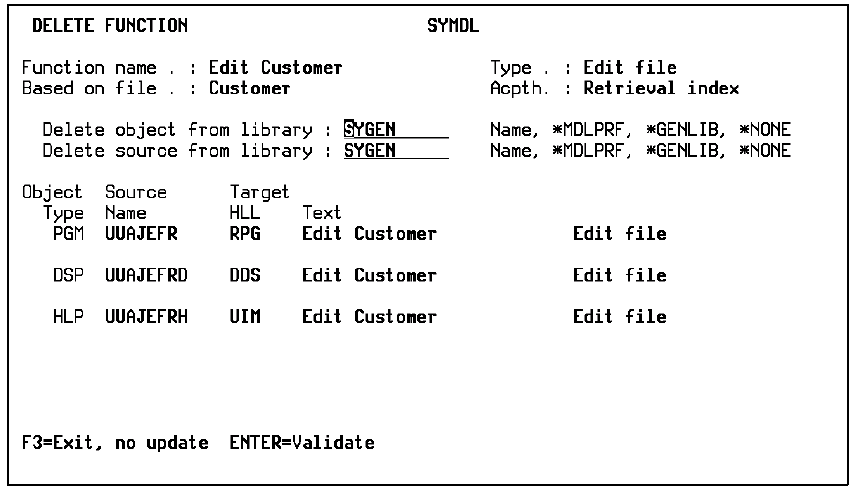
If the function has associated source, a confirm prompt gives you the option of deleting it along with the function once you press Enter.
For more information on editing functions, see Editing and Maintaining Several Functions Simultaneously in the chapter "Modifying Action Diagrams."
| Copyright © 2011 CA. All rights reserved. | Tell Technical Publications how we can improve this information |